Free SCORM Authoring Tools and Affordable Options
Compare free SCORM authoring tools, trials, open-source workflows, and affordable options for building LMS-ready courses.
If you searched for free SCORM authoring tools, the important question is not whether a tool has a free button. It is whether you can build LMS-ready course content without the workflow collapsing after a short trial.
Short answer: free trials are useful for testing, and open-source workflows can avoid license fees if you have development time. For ongoing visual authoring, ScormStack Basic starts at $5/month billed annually and includes 5 SCORM exports per month. It is a low-cost option rather than a permanently free SCORM publisher.
Most low-cost e-learning tools come with strings attached. Trials that expire after 14 days. Feature walls that make the entry plan useless. Aggressive upsells at every turn.
ScormStack Basic is different. It's a real authoring tool with real capabilities, priced for creators who need a practical way to build SCORM courses.
| Option | Typical cost | SCORM publishing | Best fit |
|---|---|---|---|
| Free trials | $0 for a limited period | Usually included during the trial | Comparing premium tools before buying |
| Open-source or manual builds | No license fee, but development and testing time | You assemble or configure the package yourself | Technical teams needing full control |
| ScormStack Basic | $5/month annually or $10 month-to-month | 5 exports per month | Creators wanting visual authoring at a predictable price |
If you are still comparing the broader market, start with our guide to the best SCORM authoring tools in 2026. If your next question is the exact export workflow, use the dedicated guide on how to create a SCORM package or SCORM file.
What Basic includes
With ScormStack Basic, you get:
- 250 content blocks — Enough to build complete learning modules. Mix text, images, video, quizzes, and interactive elements
- 5 SCORM exports per month — Publish real LMS-ready courses
- Low monthly pricing — $5/month billed yearly or $10 month-to-month
- No artificial expiration — Keep building as long as Basic fits your workflow
This is a focused entry plan designed for individual creators, educators, and anyone who wants to build real SCORM content without enterprise pricing.
For the exact plan limits, compare the current ScormStack pricing. For export details, see the SCORM publishing features.
Who Basic is for
Portfolio builders. You're a new instructional designer building sample courses to show potential employers. You need a tool that produces professional output without a large upfront cost.
Freelancers testing the market. You want to see if SCORM course creation could become a side gig. Building a few sample courses helps you understand the market before investing in premium tools.
Educators on a budget. Your school or department doesn't have a training budget for expensive authoring software. You still need to create compliant modules for your LMS.
Small businesses. You have one or two training modules to build per quarter. Paying enterprise prices for occasional use doesn't make sense.
The curious. You've heard about SCORM and want to understand what it actually is. Building a course yourself is the best way to learn.
What you can build
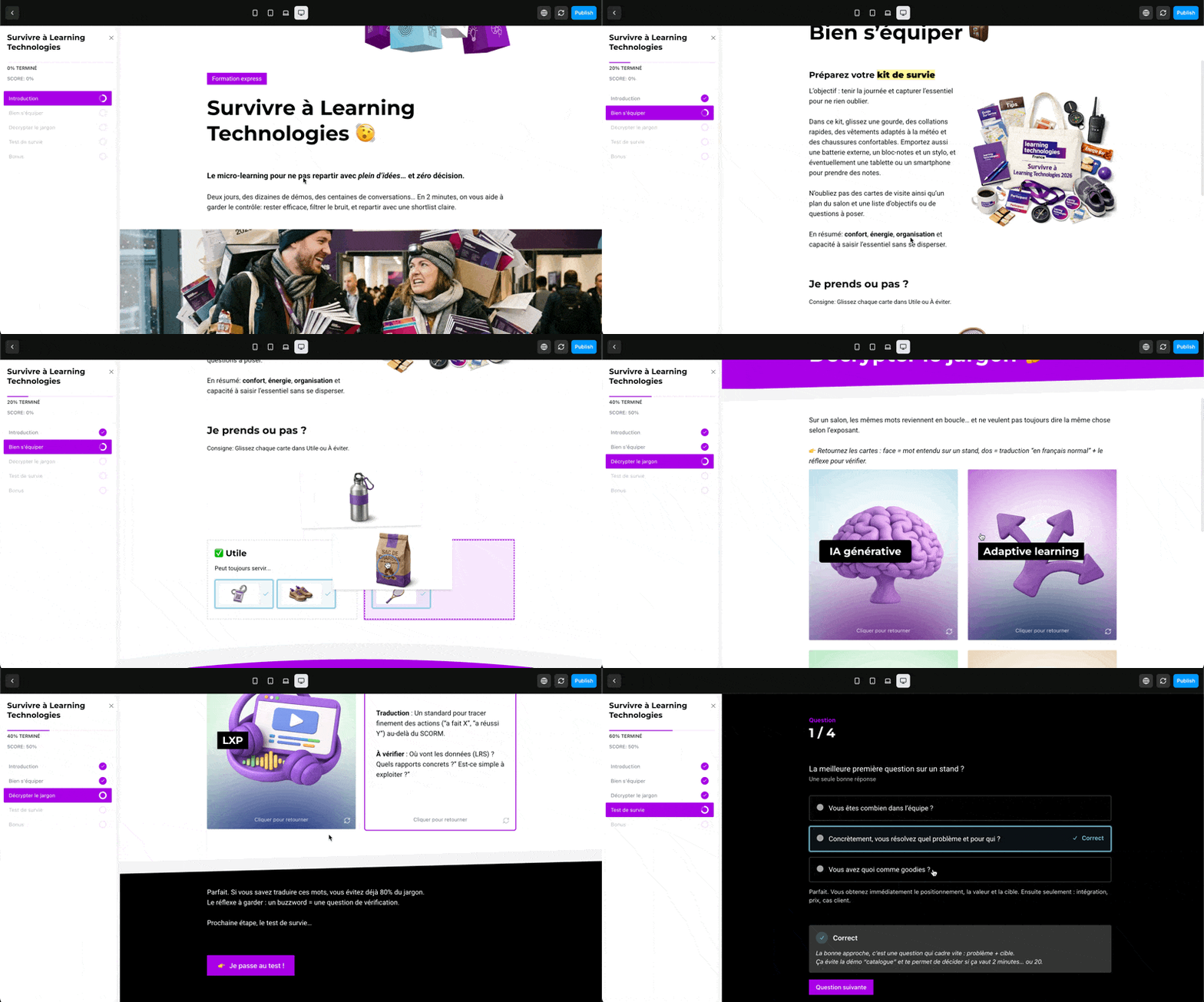
ScormStack Basic includes access to all core content block types:
- Text blocks — Rich formatted content with headings, lists, and emphasis
- Image blocks — Photos, diagrams, infographics
- Video blocks — Embedded video with captions and markers
- Audio blocks — Podcasts, narration, sound clips
- Assessment blocks — Multiple choice, true/false, and other question types
- Interactive elements — Accordions, tabs, callouts, flash cards
- Navigation — Buttons, separators, flow control
Two hundred fifty blocks is enough for substantial modules, focused micro-learning experiences, and repeated iteration before export.
What you won't get (and why)
Transparency matters. Here's what Basic doesn't include:
| Feature | Basic | Pro |
|---|---|---|
| Blocks | 250 | Unlimited |
| SCORM exports/month | 5 | Unlimited |
| HTML export | No | Yes |
| Asset bundling | No | Yes |
| AI features | No | Yes |
| ScormStack branding | Required | Optional |
Branding. Basic exports include a small "Built with ScormStack" badge. It's subtle and doesn't interfere with learning, but it's there. Pro lets you remove it.
Publishing limits. Five SCORM exports per month keeps Basic affordable while still giving you a usable course-production workflow.
No AI features. AI image generation and caption generation are computationally expensive. They're reserved for Pro tier where usage costs can be offset.
The upgrade path
If you outgrow Basic, upgrading is straightforward:
Pro — Unlimited everything, plus AI features, unlimited locales, and advanced analytics.
There's no pressure to upgrade beyond what you need. Basic gives you a practical starting point, and you can move up when your workflow justifies it.
Why offer a real Basic plan?
Some tools use entry pricing as a lead generation tactic, giving away just enough to frustrate people into paying more. That's not our approach.
We believe that the best way to demonstrate ScormStack's value is to let you use it on real projects. If you build something useful with Basic, you'll understand what the tool can do. When you need more, you'll know exactly what you're paying for.
It's also good for the ecosystem. More people creating SCORM content means more adoption of standards-based e-learning. That benefits everyone—including us.
Getting started
- Sign up — Create your ScormStack account
- Create a course — Use the visual editor to add sections and lessons
- Add content — Drop in text, media, and interactive blocks
- Publish to SCORM — Download LMS-ready output
- Upload and test — Verify it works in Moodle, Open edX, or whatever you use
The whole process can take under an hour for a simple course.
Frequently Asked Questions
Is there a completely free SCORM authoring tool?
Some open-source tools and limited trials can create SCORM without a license fee. Check whether the option includes SCORM export, completion and score controls, ongoing access, and enough support to test the package in your LMS.
Can I create a SCORM course for free?
You can draft course content and test some tools for free. A sustainable workflow may still involve software, development, hosting, or maintenance costs, so compare the full path from authoring through LMS testing rather than only the signup price.
Is ScormStack Basic free?
No. ScormStack Basic is the affordable paid option: $5/month billed annually or $10 month-to-month, with 5 SCORM exports per month. You can create an account and evaluate the editor before choosing a publishing plan.
What should I check before choosing a free SCORM creator?
Confirm that it exports SCORM 1.2 or SCORM 2004, supports completion and scoring rules, produces a ZIP your LMS accepts, and lets you reopen and maintain the course after the initial trial.
Start building for free
E-learning authoring shouldn't require a budget justification or a sales call. With ScormStack Basic, you can create professional SCORM courses without legacy authoring-tool pricing.
👉 Create your free account and publish your first course today.