Timeline trends
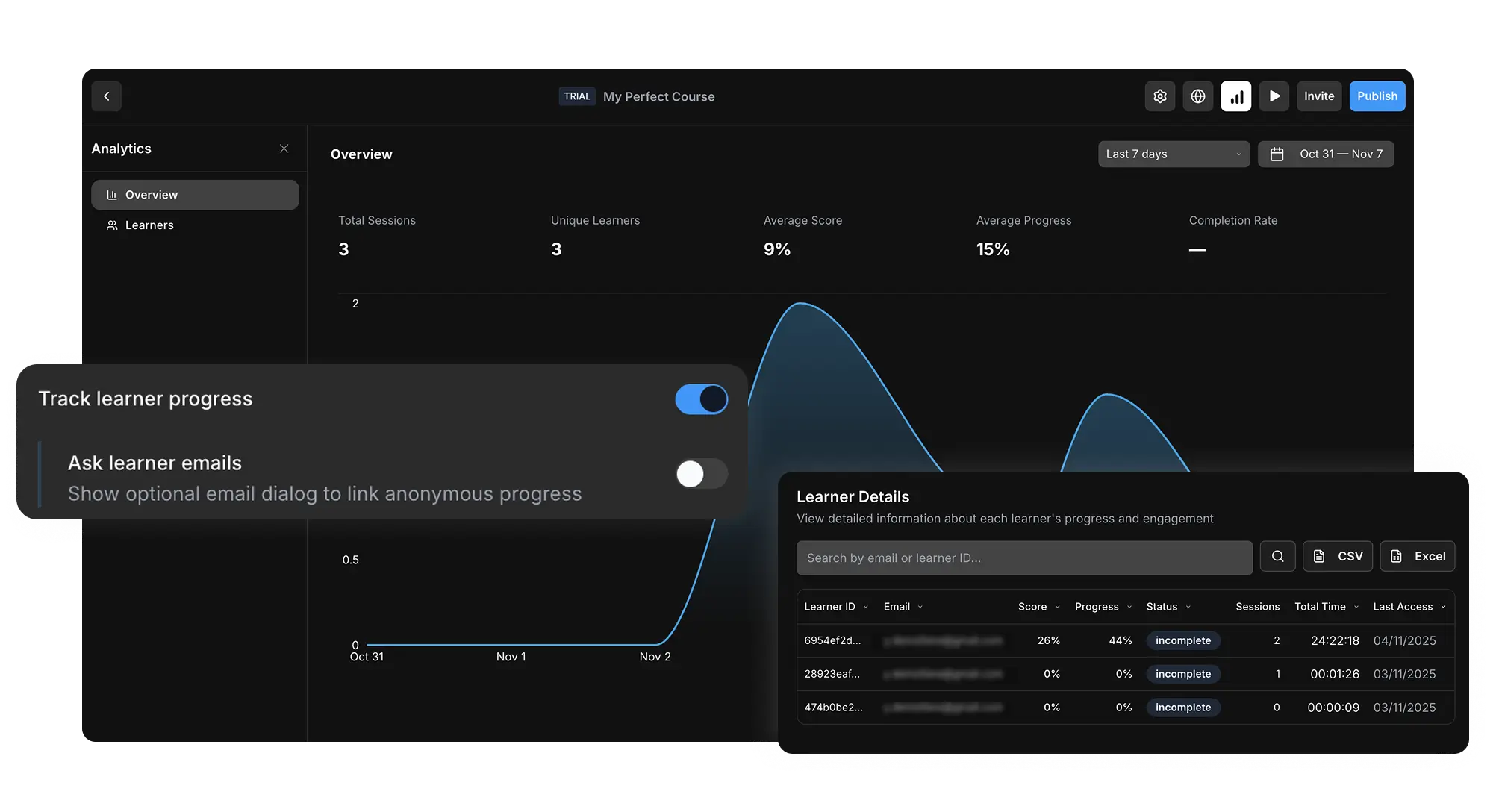
Use date ranges to understand activity over time and spot spikes or drop-offs
Track sessions, learners, scores, progress, completion, and time spent when courses are shared by link, embed, HTML, or ScormStack tracking.
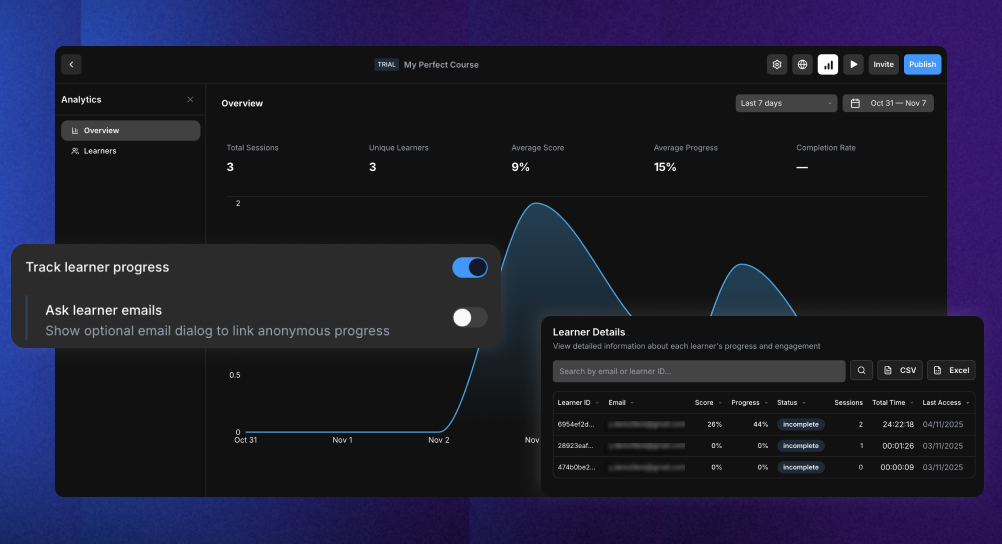
The analytics overview gives you the core signals you need to see whether learners are launching, progressing through, and completing your course.
Use date ranges to understand activity over time and spot spikes or drop-offs
Measure how often learners launch the course across the selected date range
See how many individual learners reached your course, even outside a traditional LMS
Monitor average score, average progress, and completion rate from one dashboard
Open the learner table to search, sort, export, and review learner-level progress details.
Export learner data for reporting, audit trails, or deeper analysis in spreadsheets
Find a learner by email or ID and sort by score, progress, status, sessions, or time spent
Ask learners for an email address when you need identifiable progress outside an LMS
Review recent activity or compare longer training windows with flexible date ranges
Join thousands of e-learning professionals and teams who've made the switch to ScormStack to turn ideas into high-performing courses, fast.
Start for free30 days free, no credit card required