Build your course
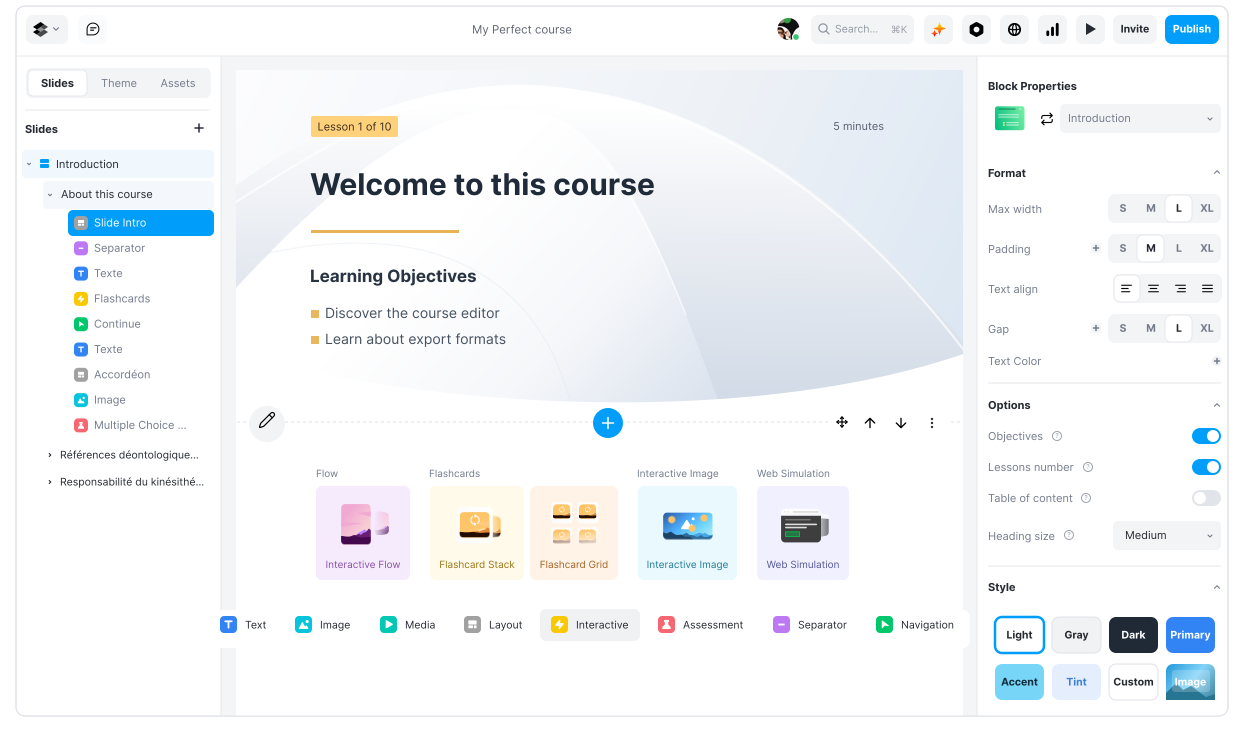
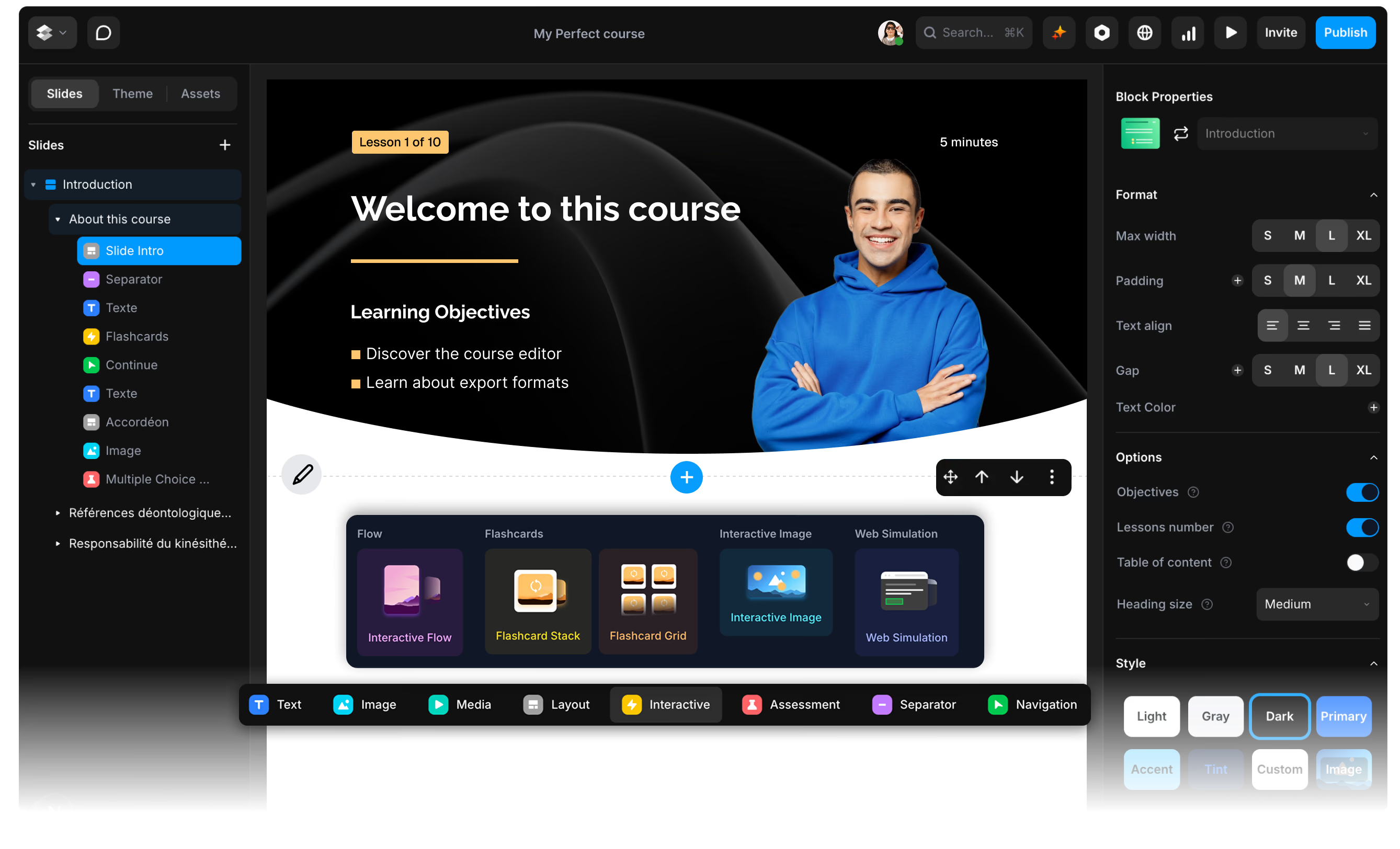
Create structured courses with flexible blocks, rich media, assessments, and a visual editor built for fast iteration.
Create interactive, responsive courses without the complexity of traditional authoring tools. Create with AI, localize at scale, and publish anywhere as SCORM, a trackable link, or an embed.
Join 10,000+ learning professionals using ScormStack


Create structured courses with flexible blocks, rich media, assessments, and a visual editor built for fast iteration.
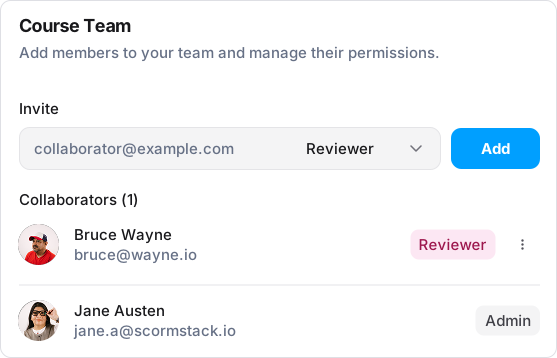
Invite teammates and clients to review the latest course, leave contextual comments, and move feedback through a clear review board.
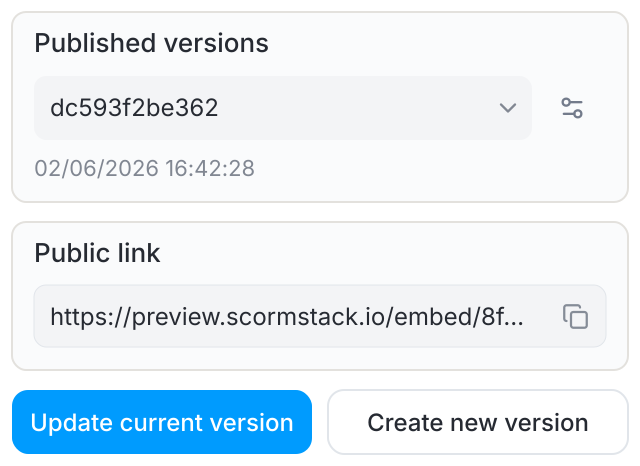
Share courses by link or embed them on your website, with learner tracking even without an LMS. Export in SCORM 1.2, SCORM 2004, or xAPI to fit your learning platform. With Dynamic SCORM, publish course updates from ScormStack without uploading a new package to your LMS.
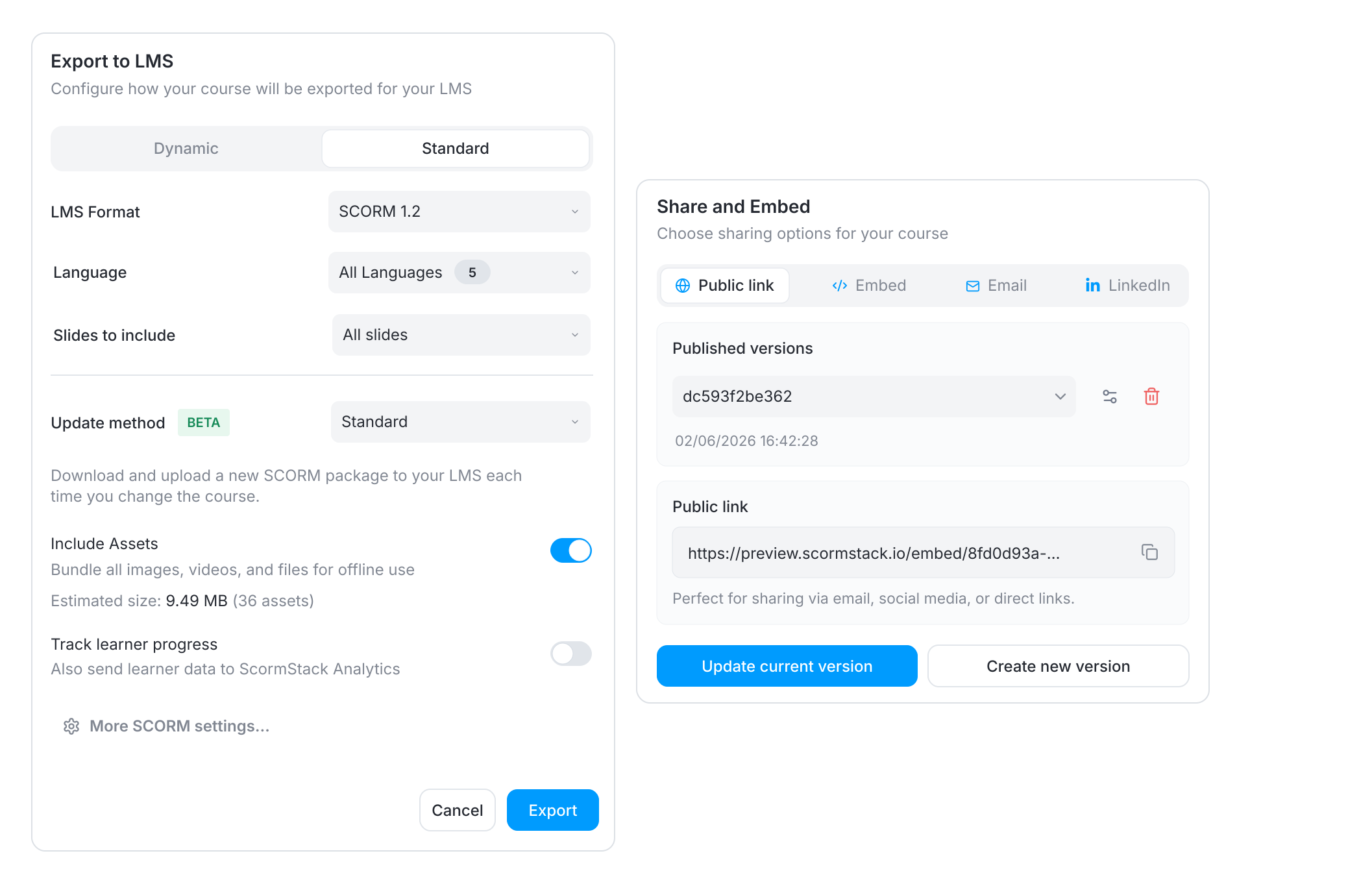
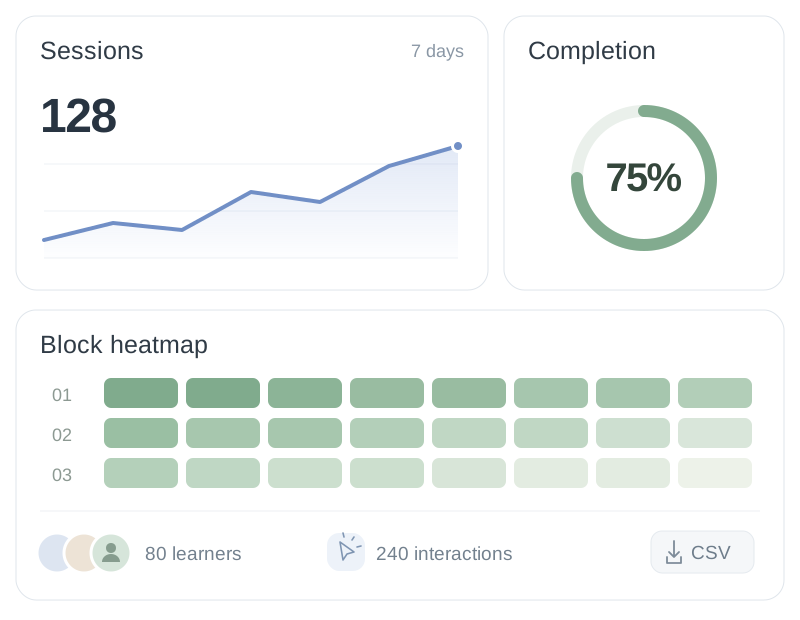
No LMS ? No problem. Distribute your course anywhere with public link or embedded iFrame and ScormStack will capture real learner progress without a traditional LMS.
Use the assistant to draft slides, rewrite text, generate images, captions, and transcripts without leaving the editor.
Explore AI featuresEverything you need to create, collaborate, and deliver professional learning experiences
Create a complete branded theme with your colors, Google Fonts, or uploaded custom fonts. Save it once, then apply it across every course for consistent branding.
Reach learners worldwide with one course that can ship as a single multilingual package with language selection, or as separate locale exports when needed.
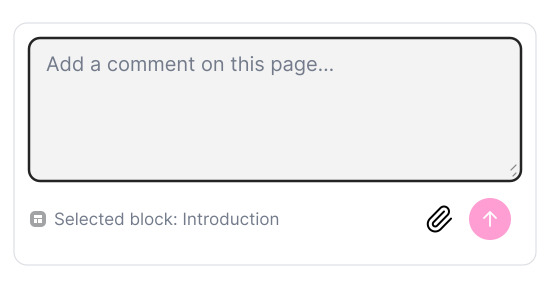
Comment on slides or specific blocks so feedback stays tied to the course
Embed or share courses and track learner usage without an LMS. Export SCORM when you need it.
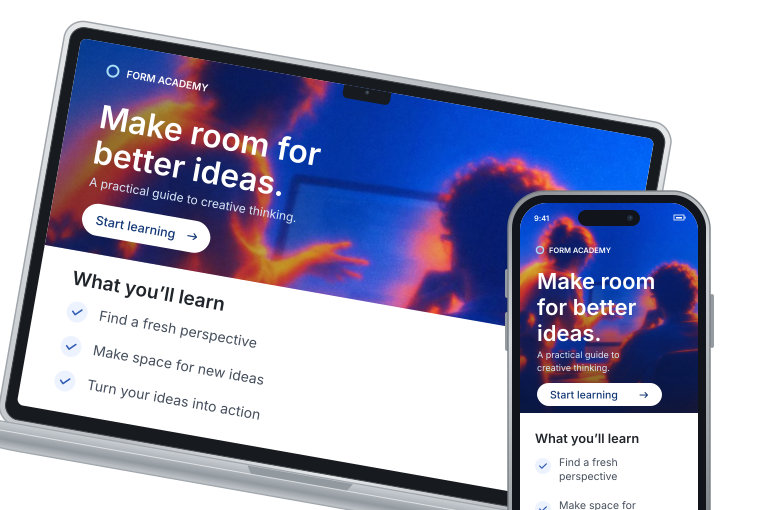
Create once. Your course adapts to every screen.
Upload a SCORM package and turn existing courses into editable ScormStack courses with mapped blocks, media, quizzes, and theme settings.
Convert Rise lessons, interactions, knowledge checks, quizzes, media, and attachments into native blocks.
Import common content blocks, assessments, media, and interactive layouts from Easygenerator packages.
Review the mapping, keep assets and branding, then refine every slide in the editor.
See what our customers say about ScormStack

“More powerful than the alternatives we knew, highly customizable, with many integration options and a technical service that always finds a solution.”

“Finally, an affordable alternative to Rise 360. The SCORM export works flawlessly with our LMS and the drag-and-drop editor is fantastic.”

“ScormStack lets us manage multiple languages in a single course and use AI to accelerate translation, without maintaining separate versions”
Create courses, read and update blocks, sync content, trigger exports, and connect your workflows with REST endpoints and webhooks.
API=https://app.scormstack.io/api/v1
curl -X POST \
  "$API/courses" \
  -H "Authorization: Bearer $KEY" \
  -d title="Safety onboarding" \
  -d blocks="intro,quiz,summary"

HTTP 201 Created
{
  "id": "crs_8f2k1",
  "status": "created",
  "blocks": 12,
  "updated_at": "2026-06-11T08:42:00Z",
  "next": "PATCH /courses/crs_8f2k1/blocks"
}Connect your AI assistant to ScormStack through MCP. Create courses and edit content without leaving your conversation.
Documentation
Meet the people creating courses with ScormStack. Four short videos, straight from our customers.
Scroll to explore the stories
Creating, translating and publishing courses with ScormStack.
ScormStack is a visual SCORM authoring tool for instructional designers, training teams and educators. Build interactive courses without coding, create and refine content with AI, manage translations and publish to your LMS or share online. You control the course structure, branding and final content. Explore the course builder
Yes. Describe your topic and add reference documents to guide AI course generation. Review the learning objectives and outline, then generate slides, content and assessments. Everything remains editable, so you can check accuracy, adjust the structure and refine the course before publishing. See AI course creation
ScormStack exports SCORM 1.2, SCORM 2004, xAPI and cmi5, plus HTML for web delivery. Choose the format your learning platform supports and configure completion and scoring. Test an exported course in your own LMS to check playback, learner progress and results before rollout. Explore publishing formats
Yes. Upload a supported SCORM package from Articulate Rise or Easygenerator to convert its content into editable ScormStack blocks. Supported media, quizzes and course structure are mapped during import. Review the result, especially complex interactions and layouts, before publishing. Explore course migration
Yes. Pro lets you manage multiple languages within one course, with a shared structure. Translate manually, use AI to accelerate translation or exchange XLIFF files with translators. You can also adapt images, videos and other resources by language, then publish a single-language or multilingual course. Explore course localization
Yes. With Dynamic SCORM on Pro, upload the package once, then publish course updates from ScormStack. Learners see the latest published content when they next launch the course. Dynamic SCORM uses hosted content; choose a fully bundled export when you need a package independent of that hosting. See how Dynamic SCORM works
Yes. Share a course through a public link or embed it on your website. With Pro, enable learner tracking to see progress, completion and scores. You can optionally ask learners to identify themselves by email to connect results with individual learners. Explore learner tracking
Join thousands of e-learning professionals and teams who've made the switch to ScormStack to turn ideas into high-performing courses, fast.
Start for free30 days free, no credit card required