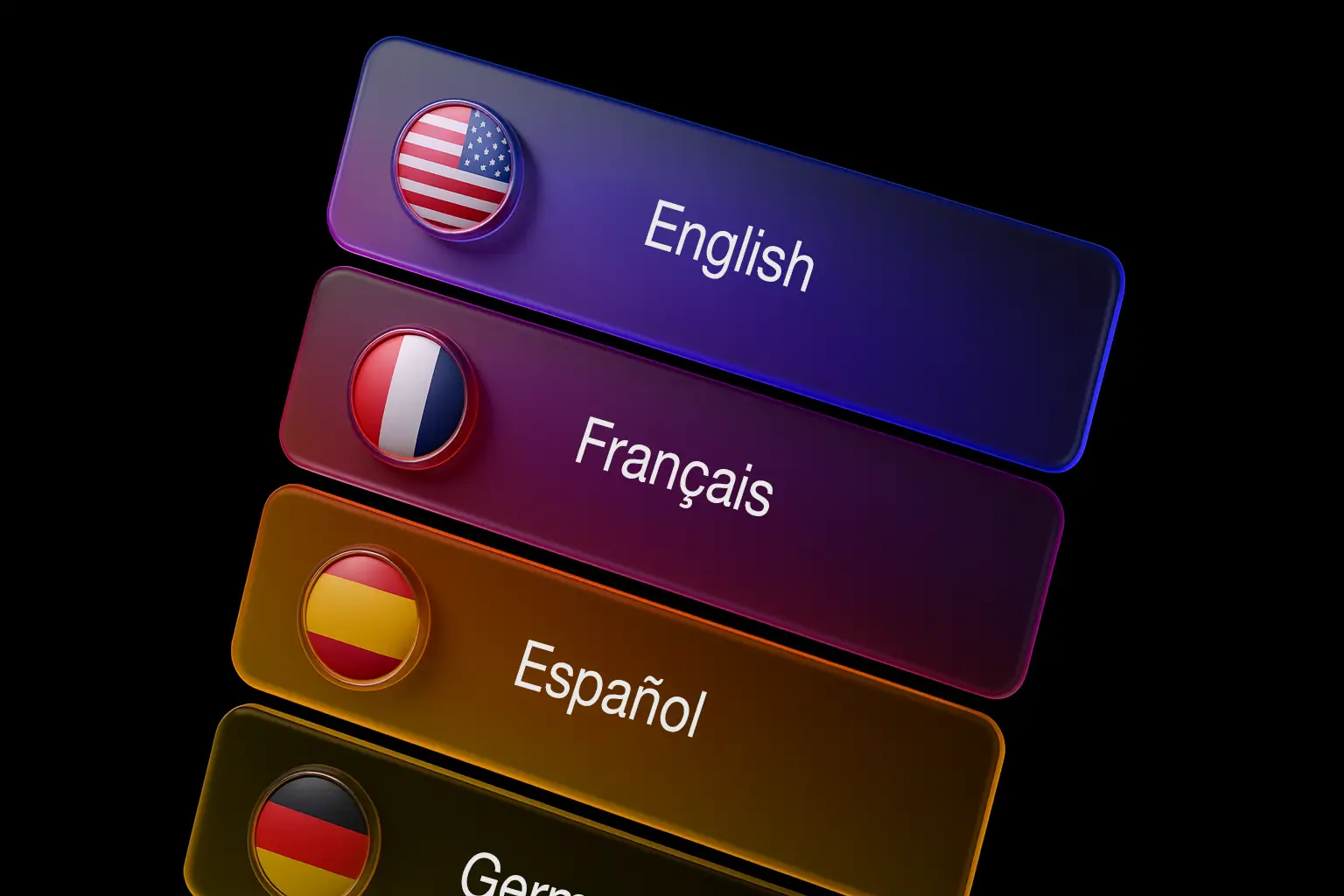
Course localization now covers more than text. Authors can replace media assets per language from the same localization workflow, so each locale can use the right screenshots, videos, narration, PDFs, and resource links.
What's new
- New Assets tab: The localization panel now includes a dedicated Assets tab alongside Content and System Labels.
- Per-locale media overrides: Select a target locale and replace the source asset for that language only. Leaving a field empty keeps the default course asset.
- Supported asset types: Localize image block images, video sources, video poster images, audio sources, PDF files, resource URLs, and resource file downloads.
- Upload or reuse media: Add a localized asset by pasting a direct URL, uploading a new file, or choosing an existing file from the Media Library.
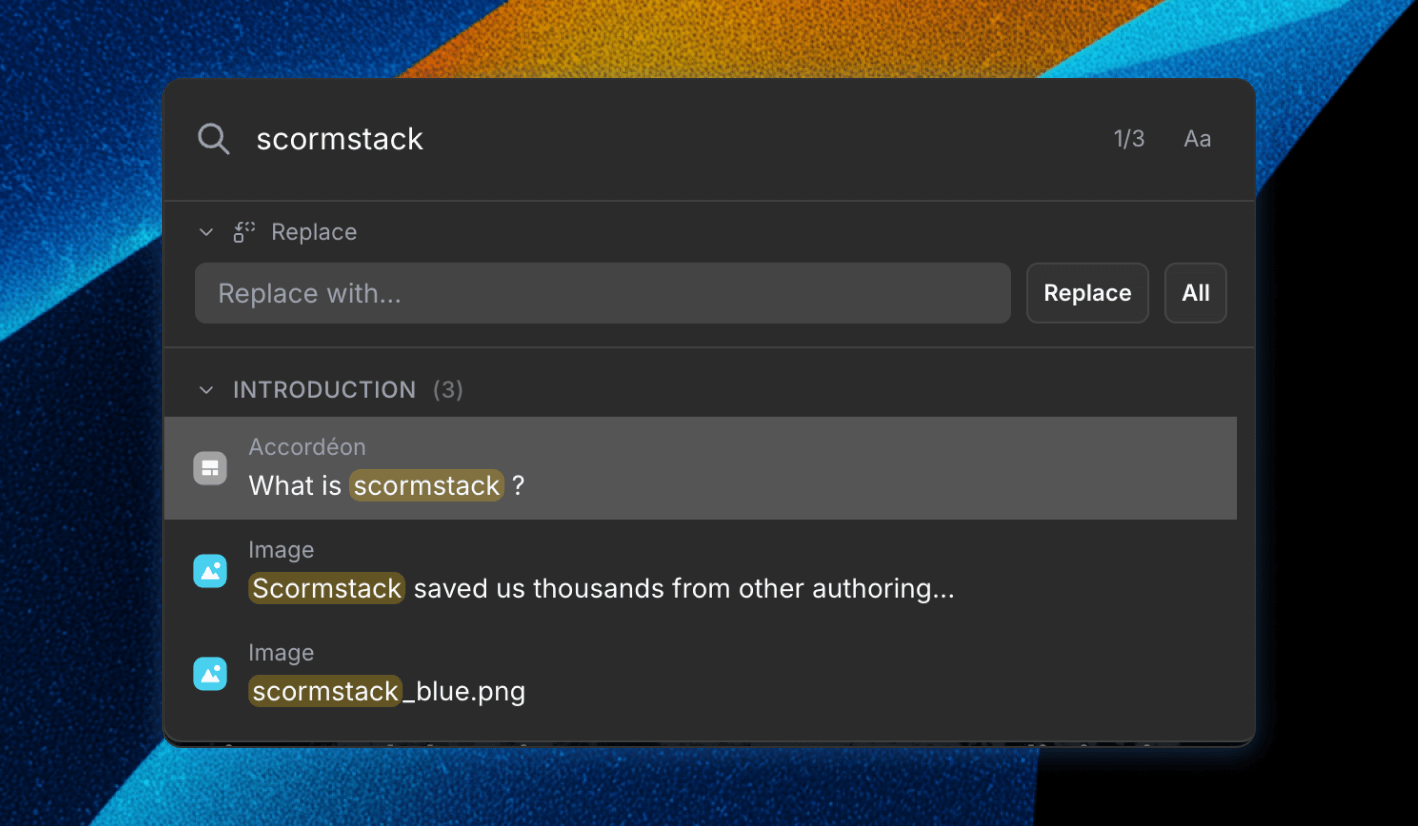
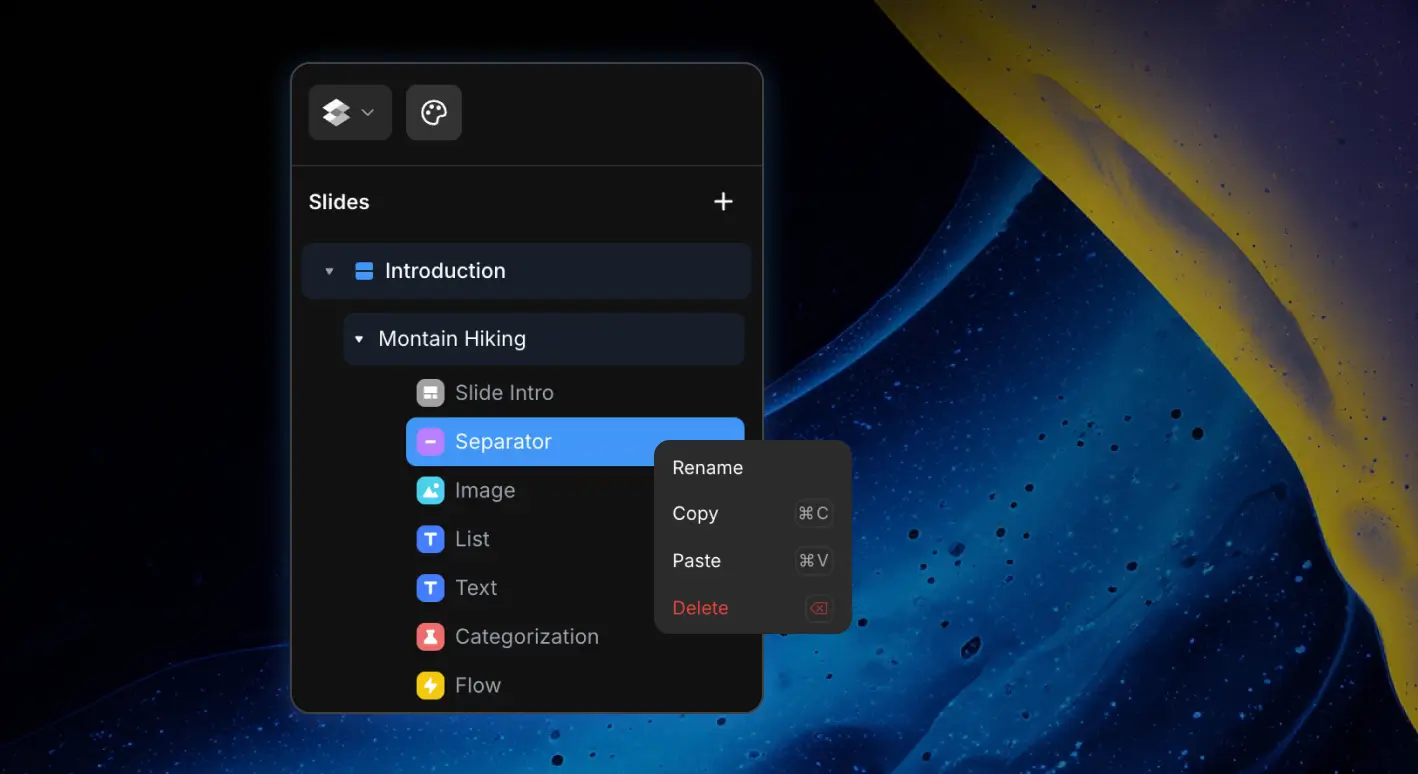
- Block-by-block organization: Assets are grouped by slide and block, with search so large courses are easier to manage.
- Safe metadata handling: Media IDs, file names, video aspect ratios, and audio durations are preserved where needed for clean playback and export.
Translation workflow support
Text translation updates, AI translation, and XLIFF imports now preserve existing asset overrides. That means translators can keep working on course copy without wiping language-specific media choices already set by an author.
Export behavior
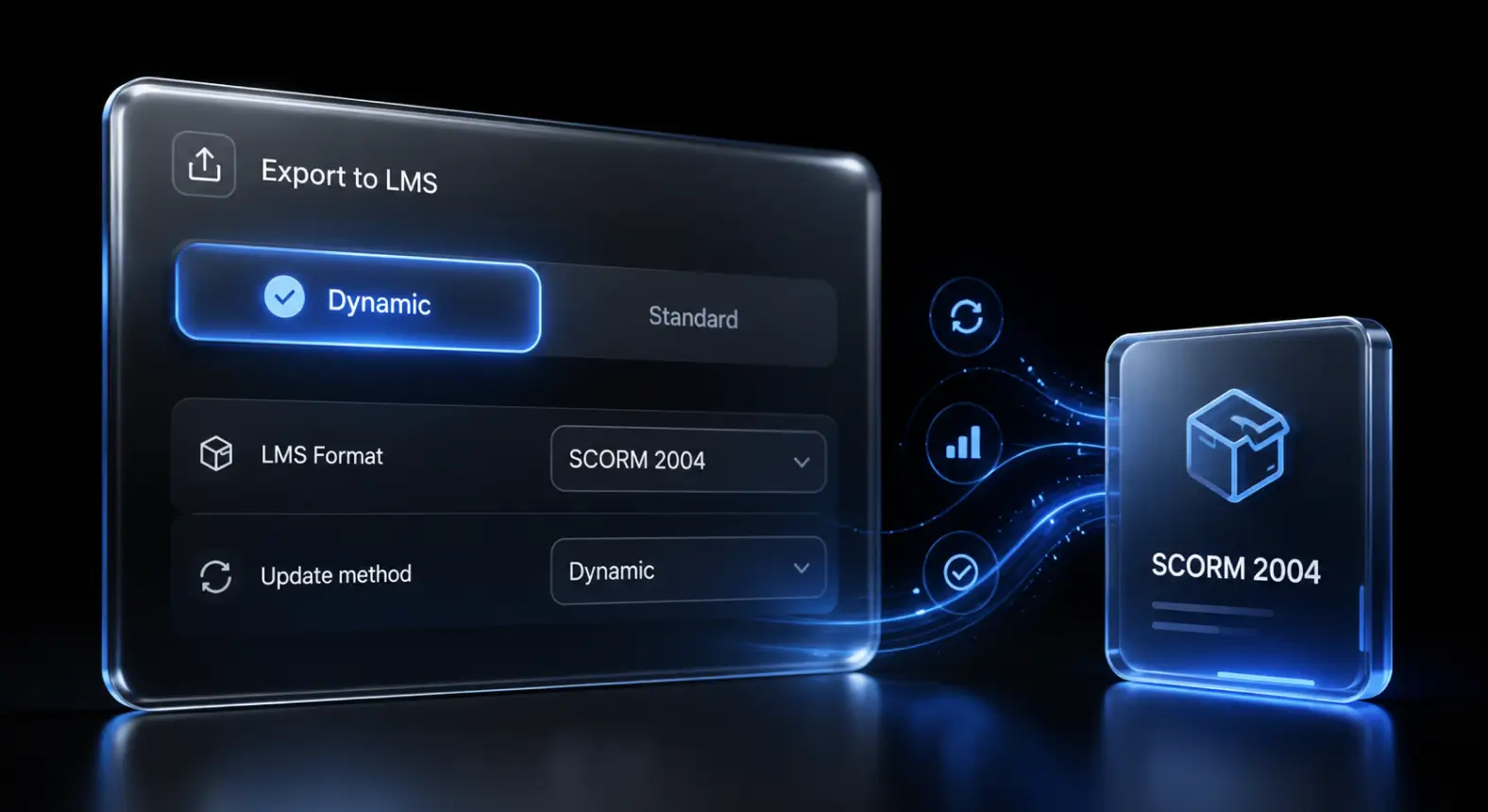
Localized assets are included during package preparation. When exporting a single locale or a multilingual course, ScormStack reads the locale-specific media overrides, bundles the right files, and rewrites asset URLs so the exported package uses the correct assets for each language.
Why it matters
Different languages often need different visuals and files: localized screenshots, translated PDFs, regional compliance documents, voiceovers, product images, or country-specific resource links. Asset localization lets teams manage those differences inside one course instead of duplicating the course for every market.