Built-in support for inclusive design
By choosing ScormStack, you're not starting from scratch on accessibility—you're building on a platform that takes inclusive learning seriously from the ground up.
Accessible player foundation
Navigation, buttons, and interactive elements are structured to work well with screen readers and keyboard navigation
Accessible content patterns
Core blocks—text, media, assessments, and navigation—are designed to encourage clear structure, proper headings, and readable layouts
Continuous improvement
Accessibility is treated as an ongoing commitment, not a one-off checklist, with updates focused on keeping the experience in line with evolving standards

Alternate Text for Images
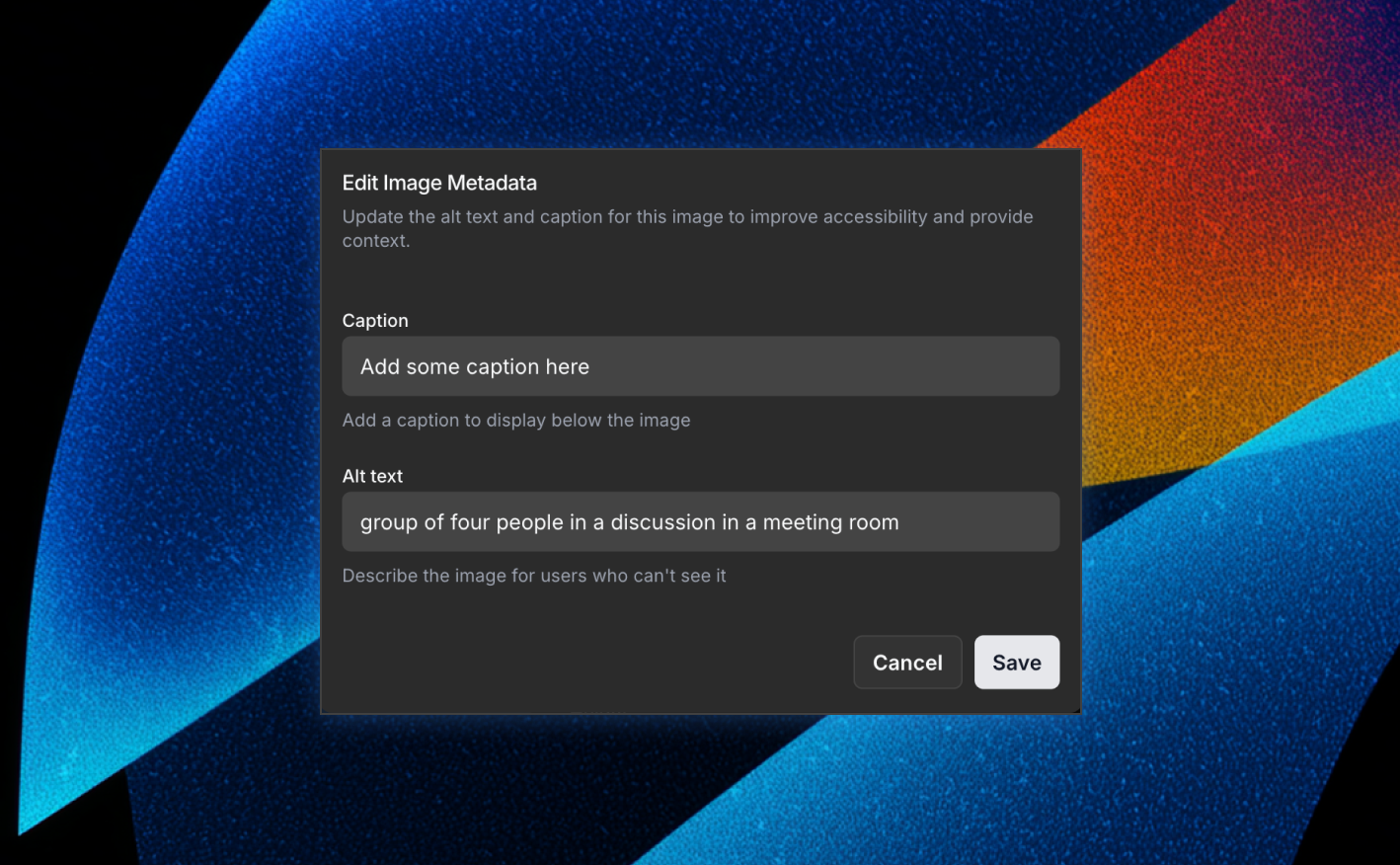
Images should never be invisible to learners who can't see them. ScormStack makes it easy to add meaningful alternate text so every visual has a voice.
Alt text built into image fields
Whenever you add an image block or illustration, you can provide a short description that screen readers can read out loud
Context-aware descriptions
Use alt text to explain what matters about the image in the context of the lesson, not just what it literally shows
More independent learning
With well-written alternate text, visually impaired learners can follow examples, diagrams, and illustrations without needing extra support
Keyboard-accessible learning
ScormStack ensures learners who navigate with a keyboard—not a mouse or trackpad—can still move through your courses smoothly and confidently.
Consistent focus behavior
Learners can tab through buttons, links, inputs, and quiz controls in a predictable order
Operational quizzes and media
Assessments, resources, and media players are designed to be usable via keyboard controls, not just clicks
Reduced friction for assistive tech
Keyboard-friendly navigation supports learners with motor impairments and those using alternative input devices


Start building in minutes
Join thousands of e-learning professionals and teams who've made the switch to ScormStack to turn ideas into high-performing courses, fast.