Collaboration roles that fit your team
Everyone works from the same live version, which means fewer conflicting files and fewer surprises at go‑live.
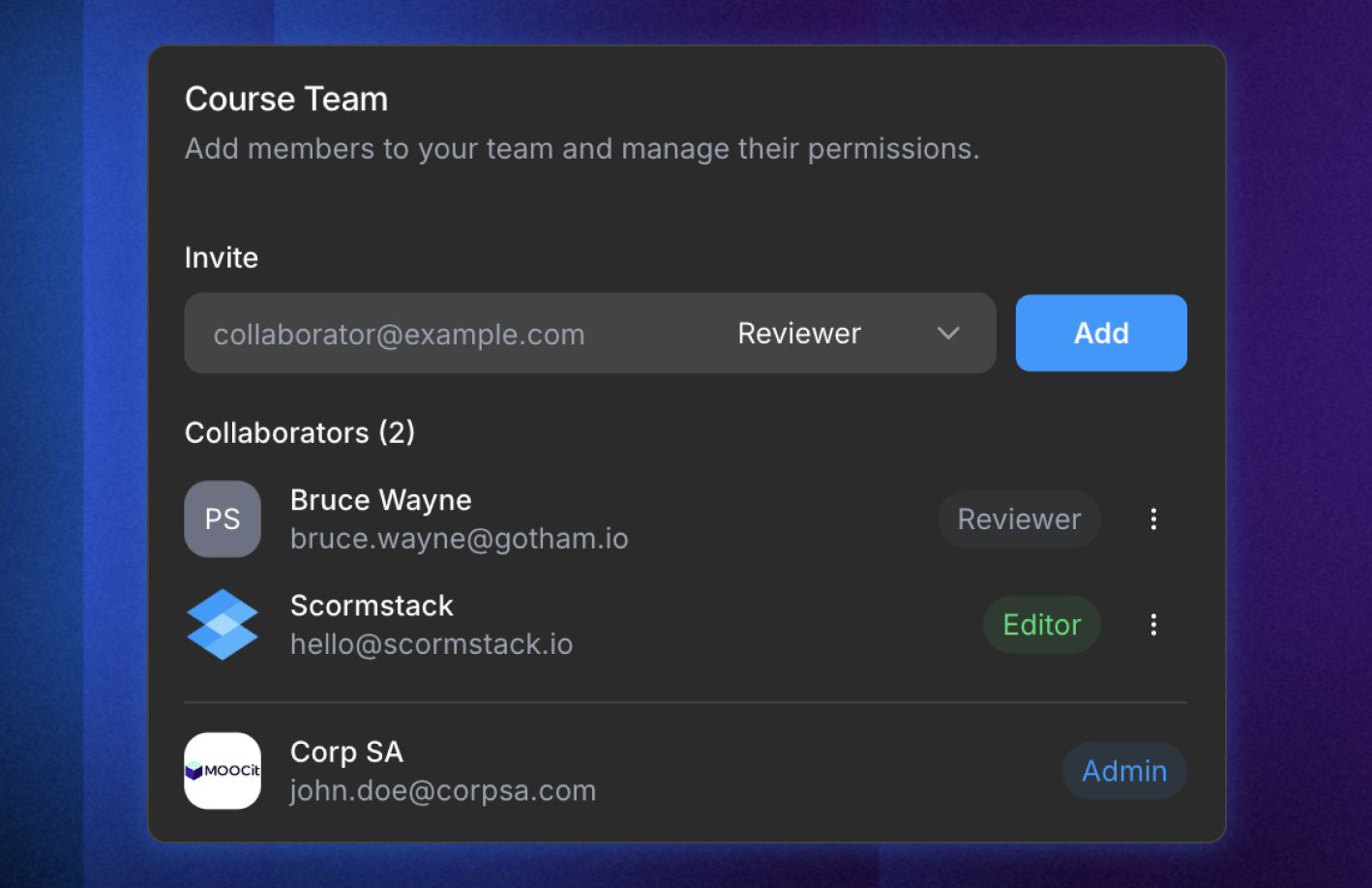
Course owners
Create courses, set direction, and decide who can collaborate
Editors
Jump in to shape content, update blocks, and refine the learning experience
Reviewers
Get access to a realistic learner view so they can check copy, flow, and interactions before launch
Centralized comments on slides and blocks
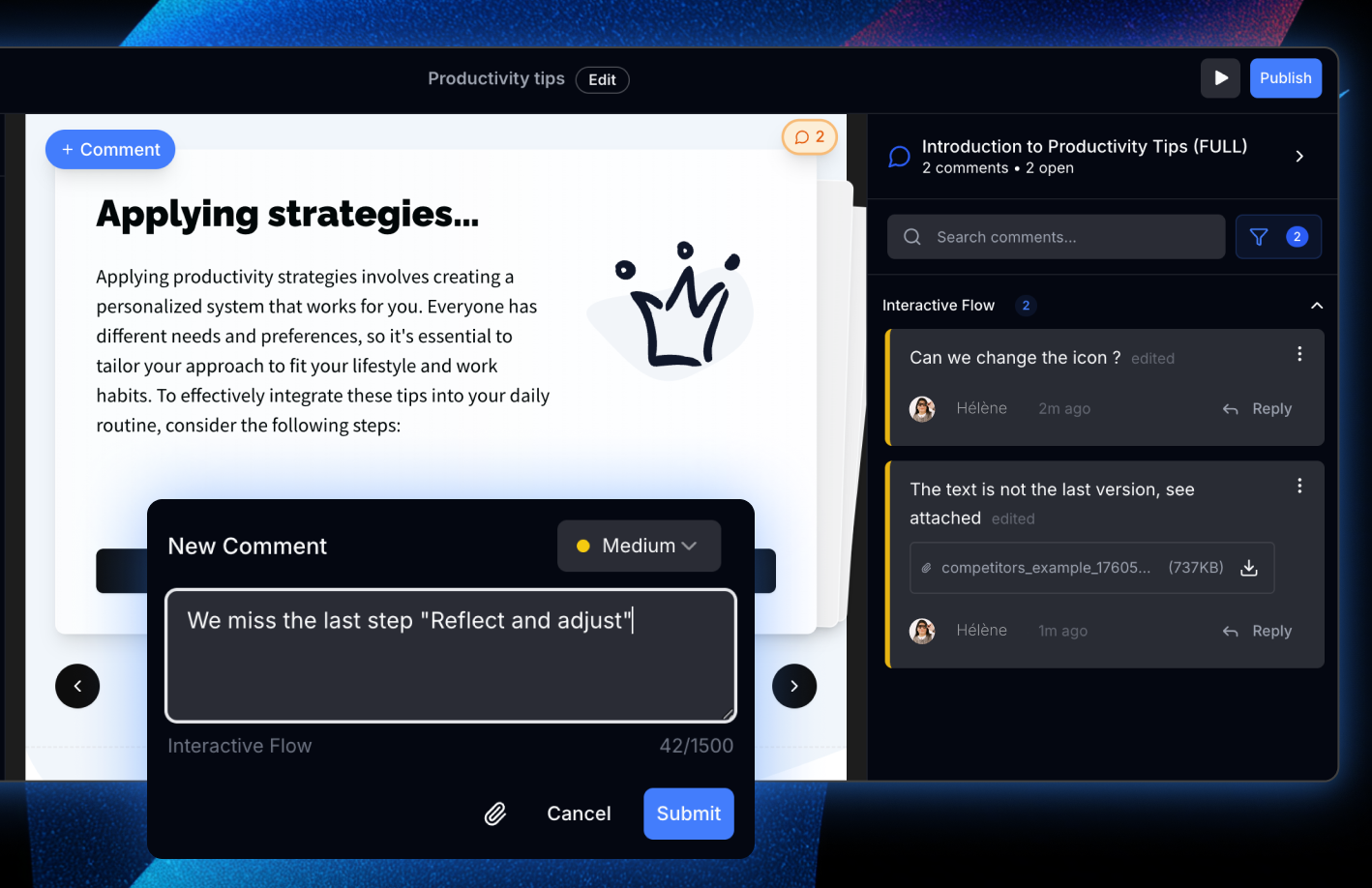
ScormStack's review panel brings all feedback into one place. This makes it practical to manage feedback across complex courses, even when multiple stakeholders are involved.
Slide and block comments
Add comments on an entire slide or tie them to a specific block, like a quiz or image
Threaded conversations
See threaded conversations, replies, and resolutions so nothing gets lost in email chains
Statuses and filters
Use statuses (such as open, in progress, or resolved), priorities, and filters to keep large review cycles organized
Search by text or author
Quickly find the discussion you're looking for by searching text or author
A smoother review cycle
Instead of passing around exports and screenshots, ScormStack keeps review, feedback, and final sign‑off inside one environment—so publishing is a confident last step, not a gamble.
Share access via email
Share access with subject‑matter experts and stakeholders via email invitations
Realistic learner preview
Let reviewers walk through the course exactly as a learner would, including navigation and assessments
Instant re-preview
Make edits in place and re‑preview instantly until everyone is satisfied


Start building in minutes
Join thousands of e-learning professionals and teams who've made the switch to ScormStack to turn ideas into high-performing courses, fast.