One course, multiple languages
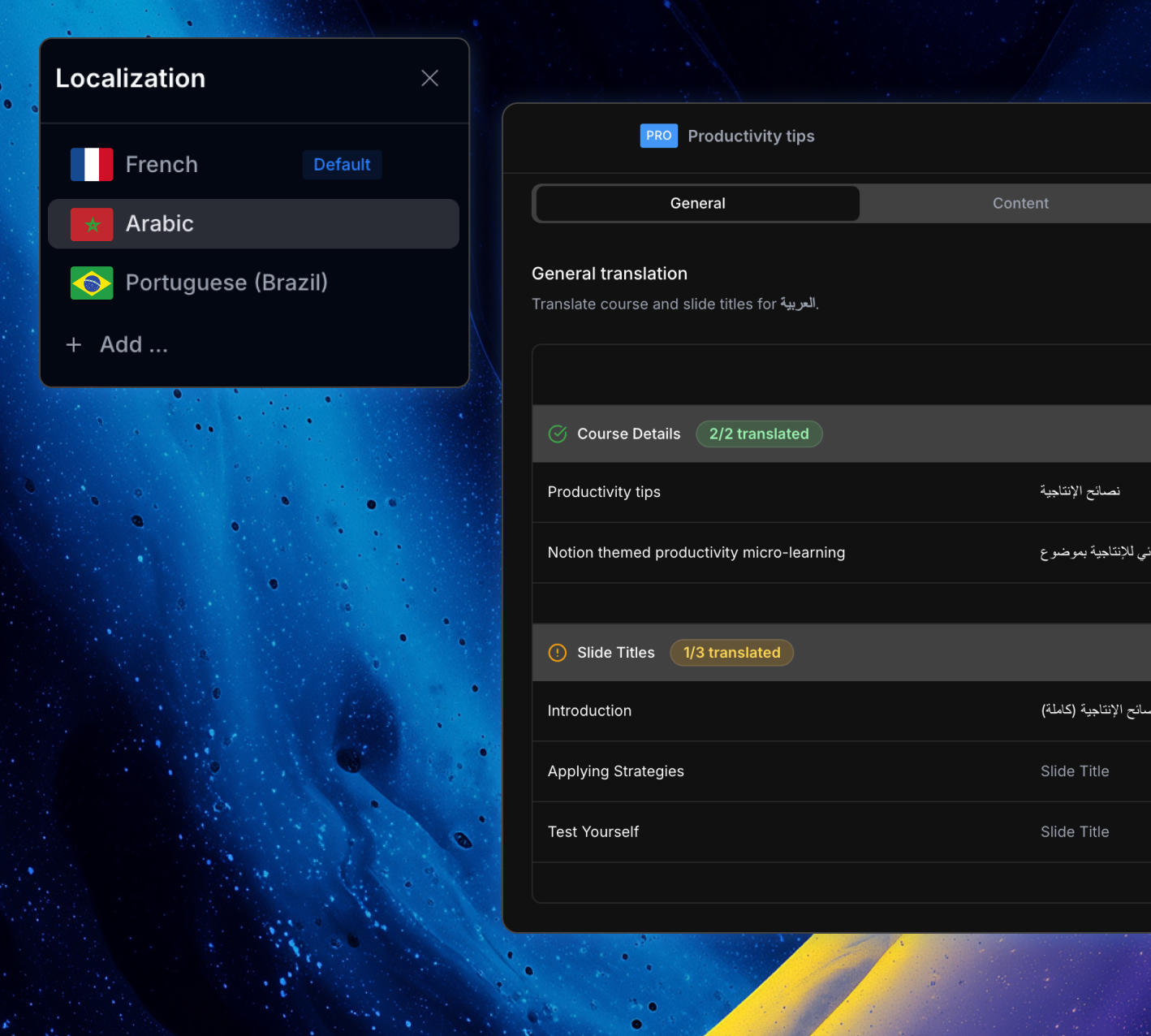
ScormStack makes it easy to turn a single course into many language versions, without duplicating work. You manage all of your languages from one localization panel, then export the variants you need.
Add locales per course
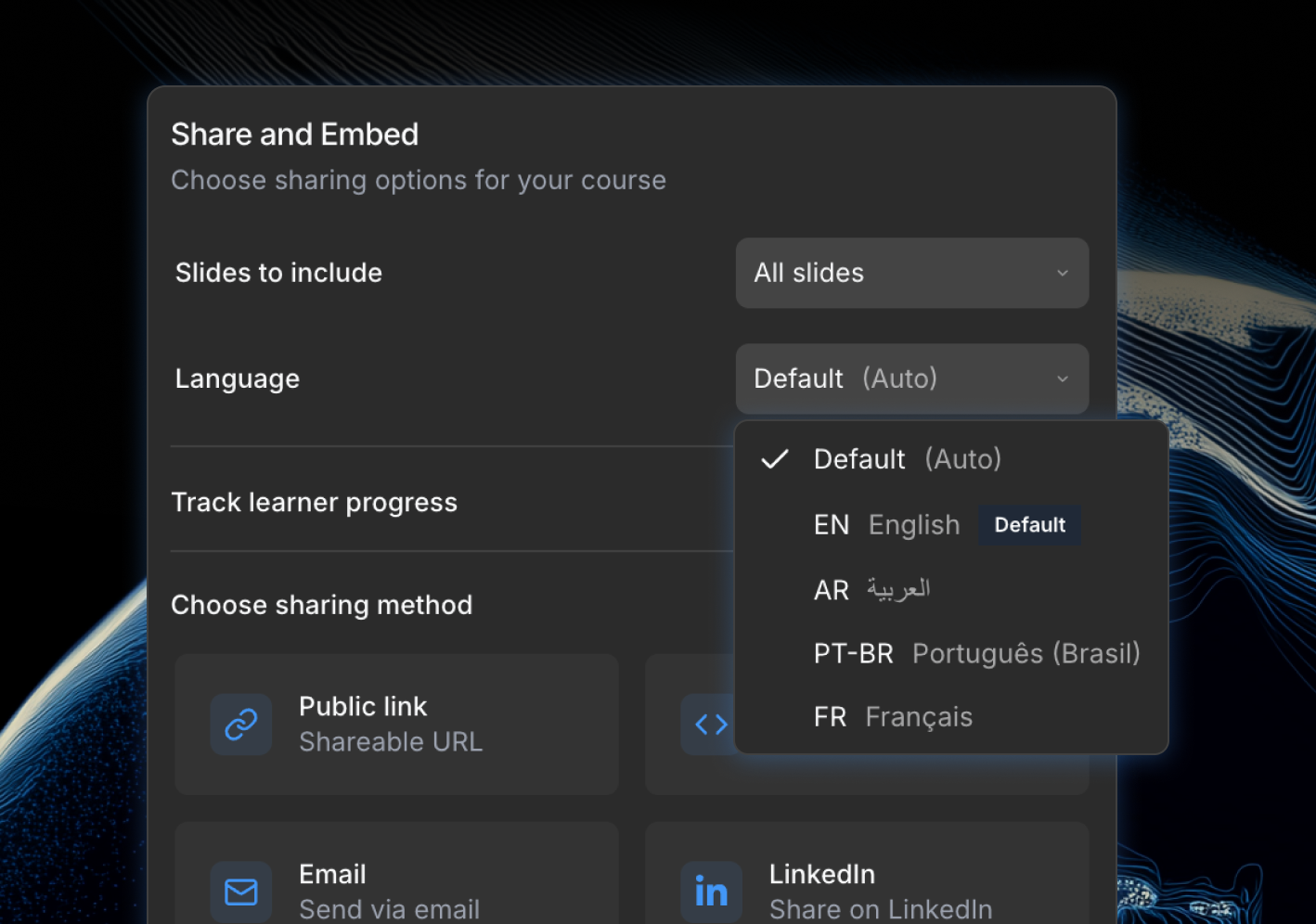
Create language entries like English, French, Spanish, Arabic, and more for the same course
Set a default language
Choose which version learners see first, while still offering localized variants where needed
Manage everything in one place
Switch between locales to update labels and content side by side, instead of juggling separate course copies
Translate course content
Content localization in ScormStack turns one well‑designed course into a complete multilingual learning experience—without rebuilding from scratch.
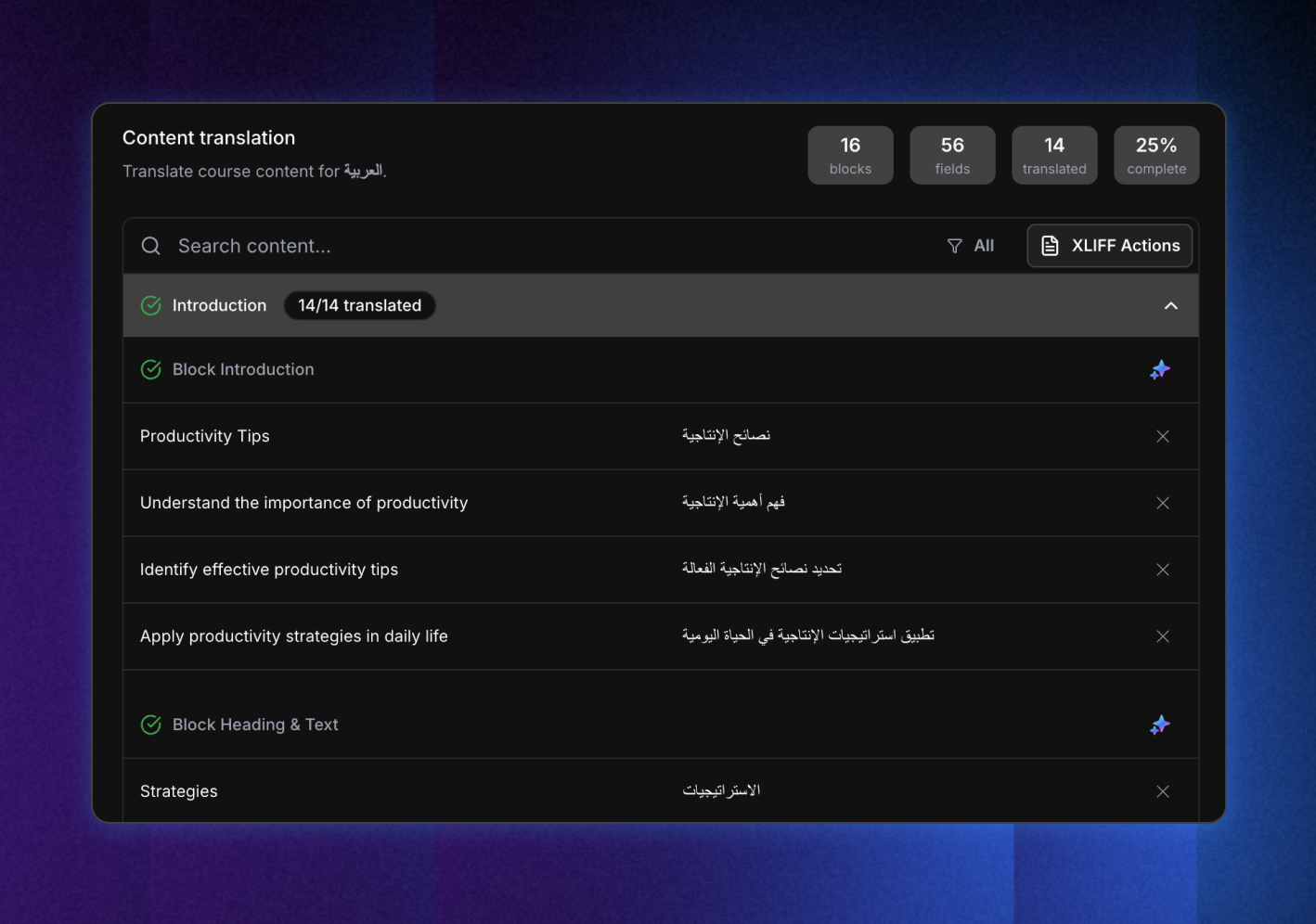
Work block by block
Translate the text inside your existing blocks so layouts, media, and interactions stay in sync across languages
Keep structure aligned
Slides, blocks, and assessments remain identical in shape, changing only the language of the text
Preview as learners see it
Switch locale and see the localized version inside the course preview, including navigation, labels, and content
Speed up translation with AI and files
When it's time to publish, you decide which language to export, so every SCORM package is tailored to the audience and LMS you're targeting.
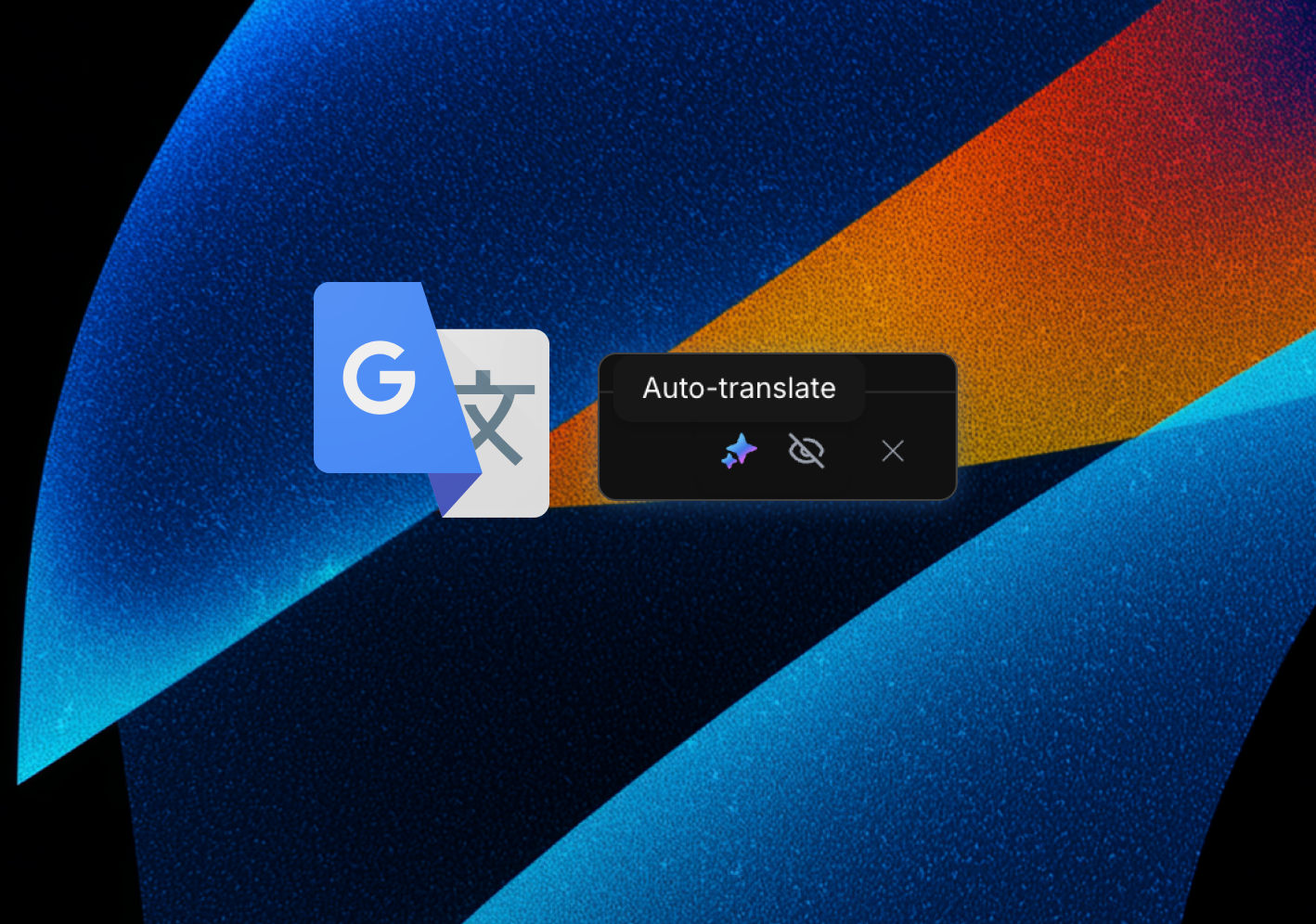
AI-assisted drafts
Use integrated translation assistance to generate first‑pass translations you can then refine and approve
Work with translation partners
Combine ScormStack's localization panel with file‑based workflows (like XLIFF) so agencies or internal teams can translate content in their preferred tools
Custom labels and interface text
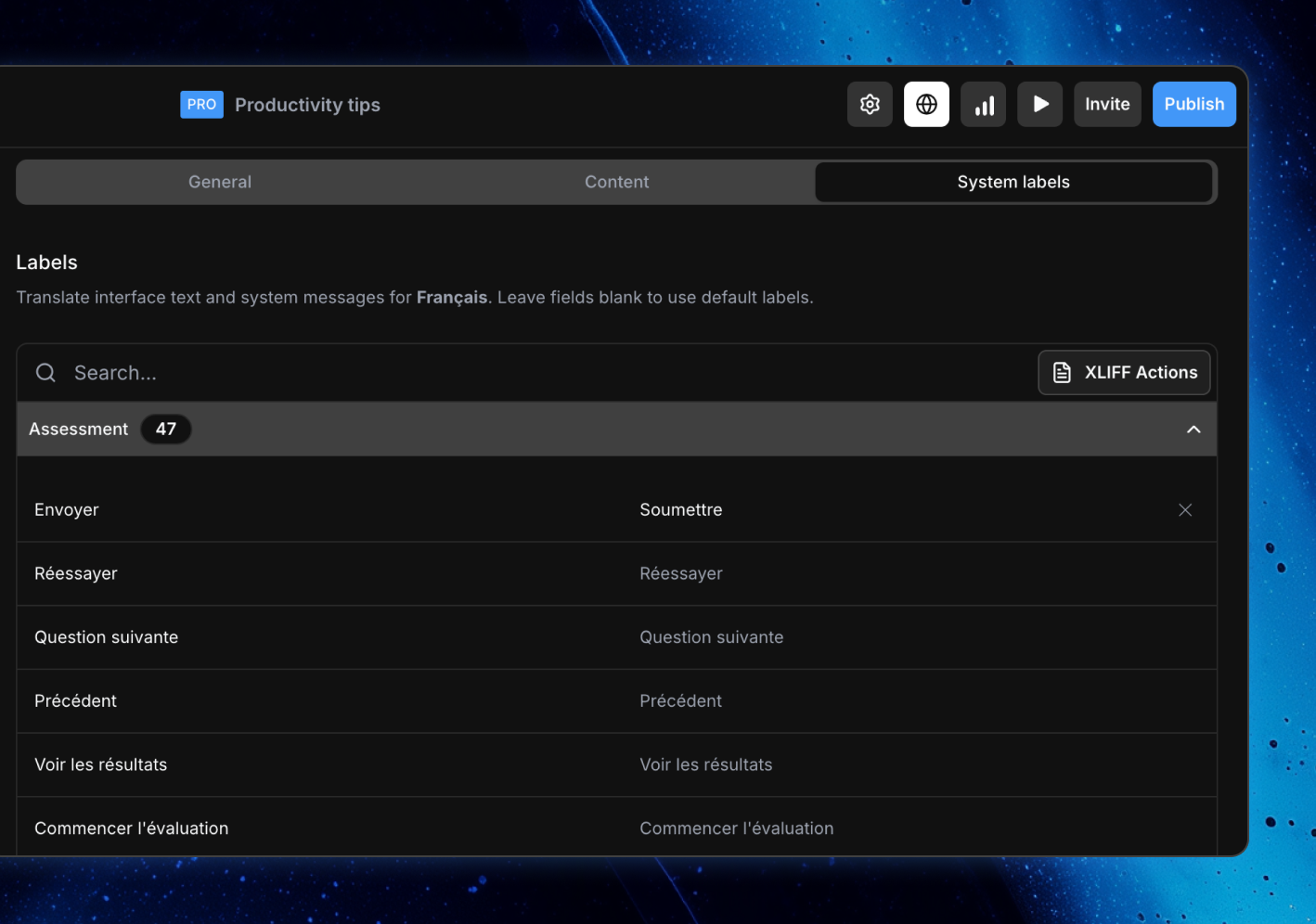
The words learners see in a course—buttons, messages, and prompts—are part of the learning experience. ScormStack lets you tailor this interface text so it fits your tone of voice.
Rename key actions
Change labels like 'Next', 'Submit answer', or 'Finish' so they match your organization's terminology and style
Align tone and clarity
Adjust system messages to be more formal, more friendly, or more instructional—whatever best serves your audience
Keep content and labels in sync
Export localized SCORM packages so learners experience both content and UI in their preferred language
Exporting localized courses
Once your translations are in place, ScormStack makes it straightforward to export the right language version of your course as a standard SCORM package.
Per‑language exports
Pick which locale you want to export—English, French, Arabic, and more—without duplicating the course
Aligned structure, different language
Every export keeps the same slides, blocks, and assessments, changing only the labels and content language
Clean LMS behavior
Exported packages carry the right language and text‑direction metadata so LMSs display them correctly
Related Features

Start building in minutes
Join thousands of e-learning professionals and teams who've made the switch to ScormStack to turn ideas into high-performing courses, fast.