What you can build with blocks
Because everything is a block, you can experiment freely—duplicate slides, swap layouts, or introduce new interactions—without ever rebuilding your course from the ground up.
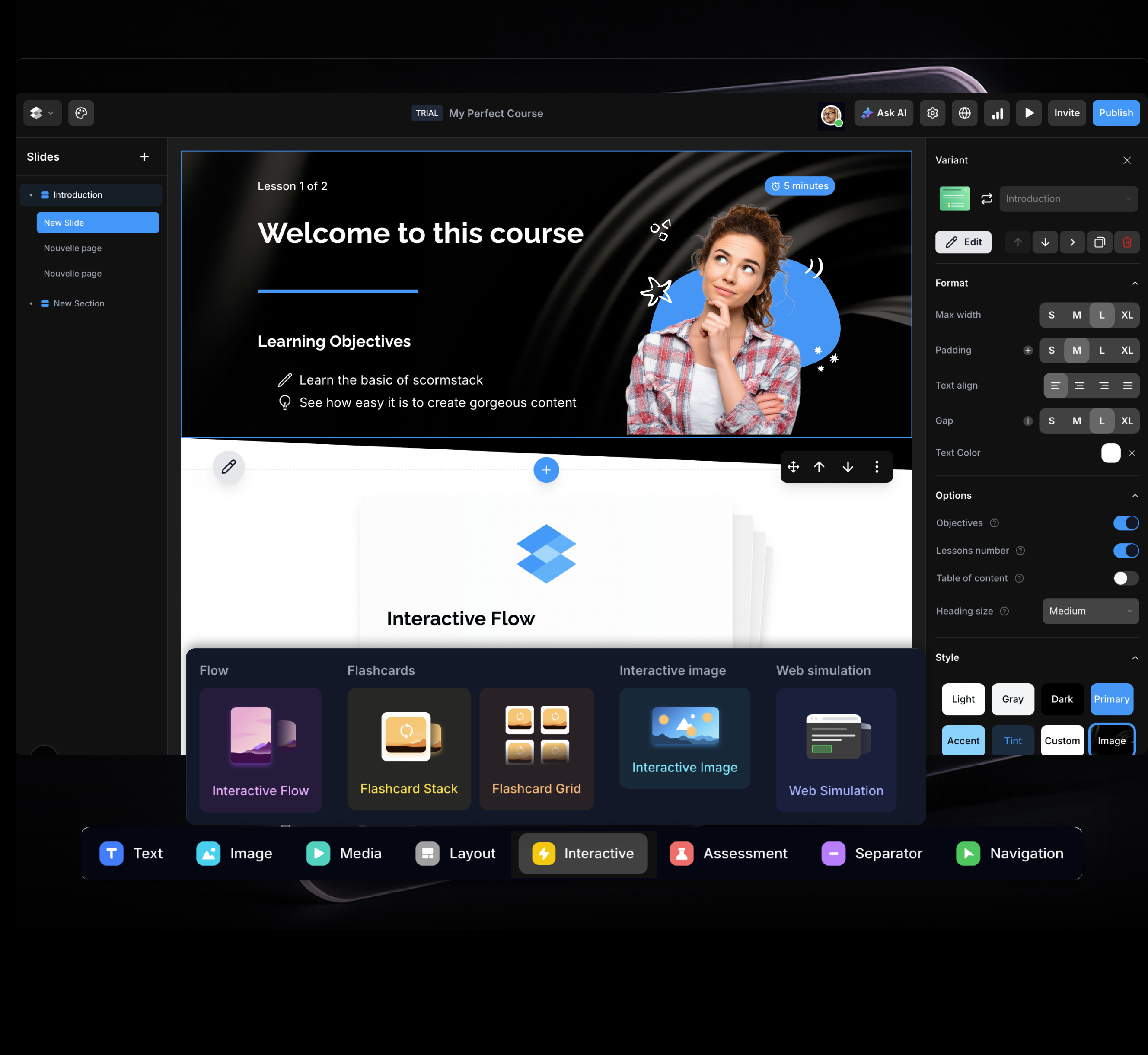
Text & layout
Headings, paragraphs, two‑column layouts, accordions, and tabs that help you structure content clearly without feeling like a wall of text
Images & media
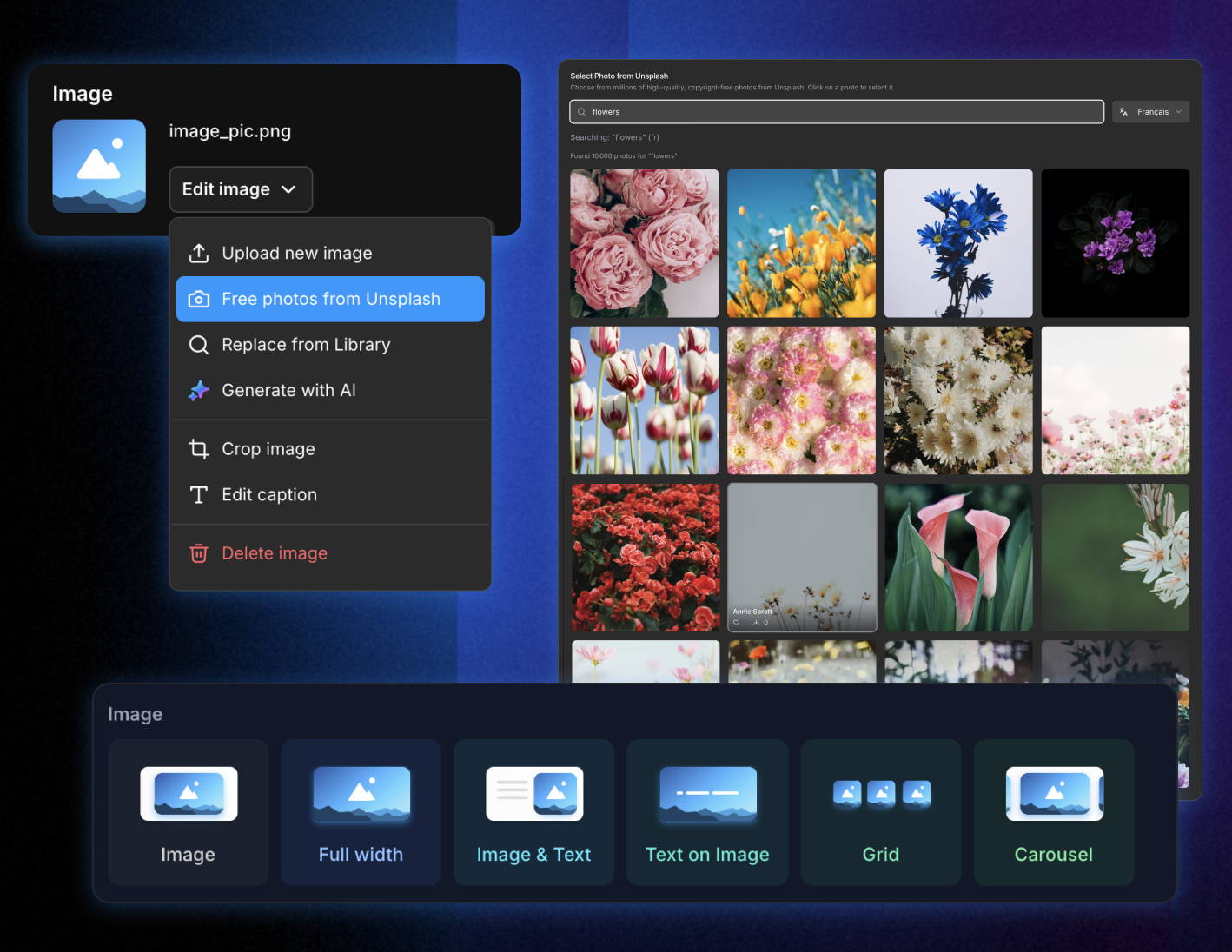
Image variants (full‑width hero, image‑and‑text, grids, carousels), video from YouTube/Vimeo or file upload, and audio players tailored for narration, podcasts, or background sound
Interactive content
Flashcards, flows, interactive images with hotspots, and web simulations that guide learners through interfaces step‑by‑step
Assessment blocks
Multiple‑choice, multi‑response, fill‑in‑the‑blank, matching, click‑on‑image, success meters, and more to turn theory into measurable practice
Navigation & structure
Slide intros, separators, navigation buttons, and resource lists that keep longer courses organized and easy to follow
Fine‑tuned control without complexity
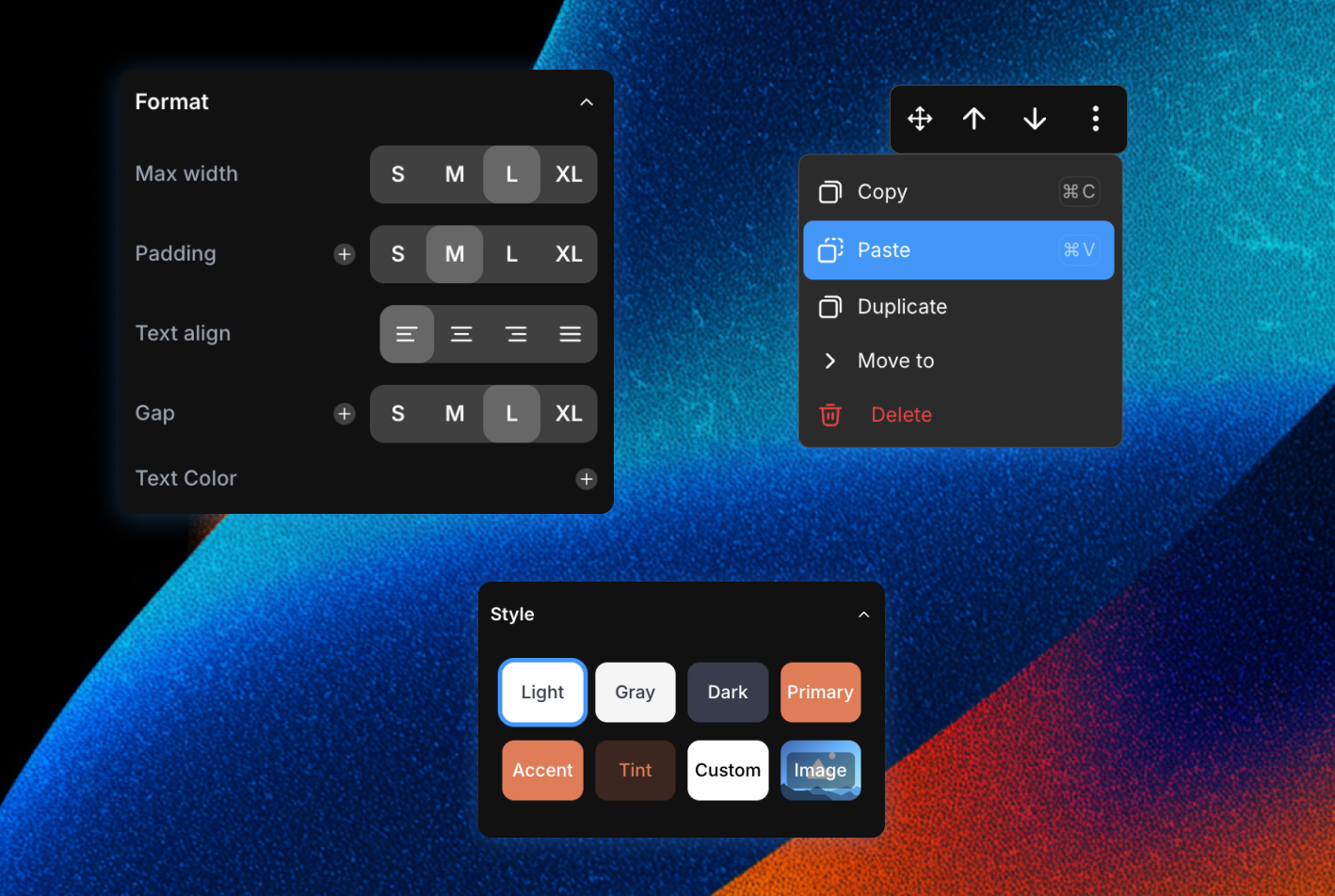
Start from rich presets instead of building every screen from scratch. Adjust visual details through simple settings instead of custom design work.
Rich presets
Start from presets like 'Image & Text', 'Flashcard Stack', 'Resources Grid' or 'Slide Intro' instead of building every screen from scratch
Visual adjustments
Adjust width, alignment, spacing, animations, button styles, and more—through simple settings instead of custom design work
Learning behavior
Decide how each block behaves from a learning perspective: some complete on view, others on interaction or successful completion, so progress tracking stays meaningful
Images that tell your story
Tap into a library of millions of professional photos, then upload, organize, and reuse images across courses while keeping layouts clean and responsive on any device.
Searchable photo library
Find the perfect visual in seconds by searching millions of high‑quality, royalty‑free photos by keyword, then drop them straight into your course
Smart cropping and alignment
Adjust focus, aspect ratio, alignment, and size so each image fits perfectly into your layout without distorting
AI‑assisted visuals
Generate on‑brand images from a simple text prompt and fine‑tune them with your course colors
Video as a first-class block
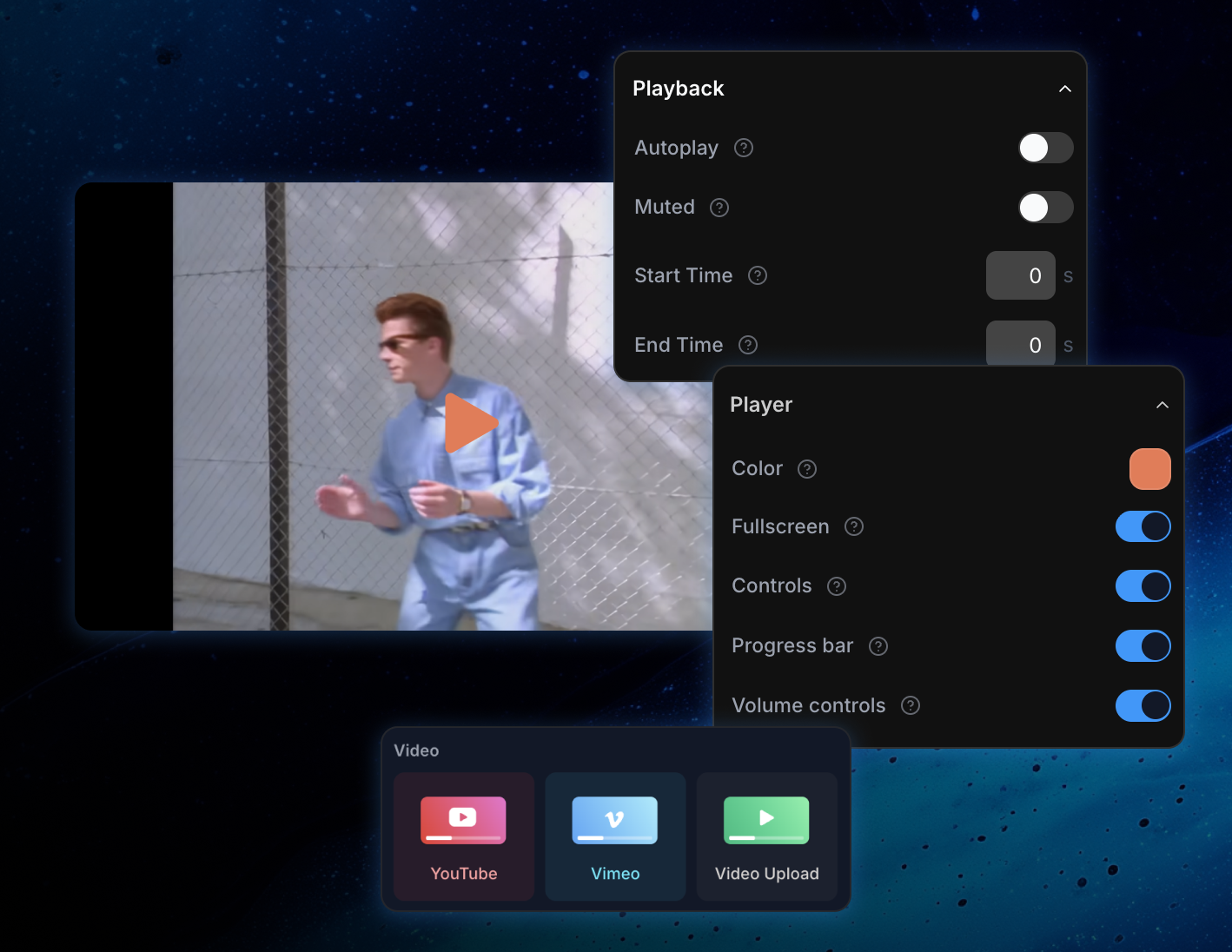
Turn videos into the centerpiece of your learning experience—whether they're hosted on popular platforms or uploaded directly into your course.
Embed from major platforms
Drop in links from YouTube, Vimeo, and other hosts and keep watching experiences familiar for learners
Upload your own files
Host training videos directly in your course so everything lives in one place, from intros to product walkthroughs
Branded player experience
Align player accents with your course theme so videos feel like part of your brand, not an external embed
Audio that sounds great
Add a rich layer of sound to your courses—voice‑over, podcasts, explainers—without making learners wrestle with clunky players.
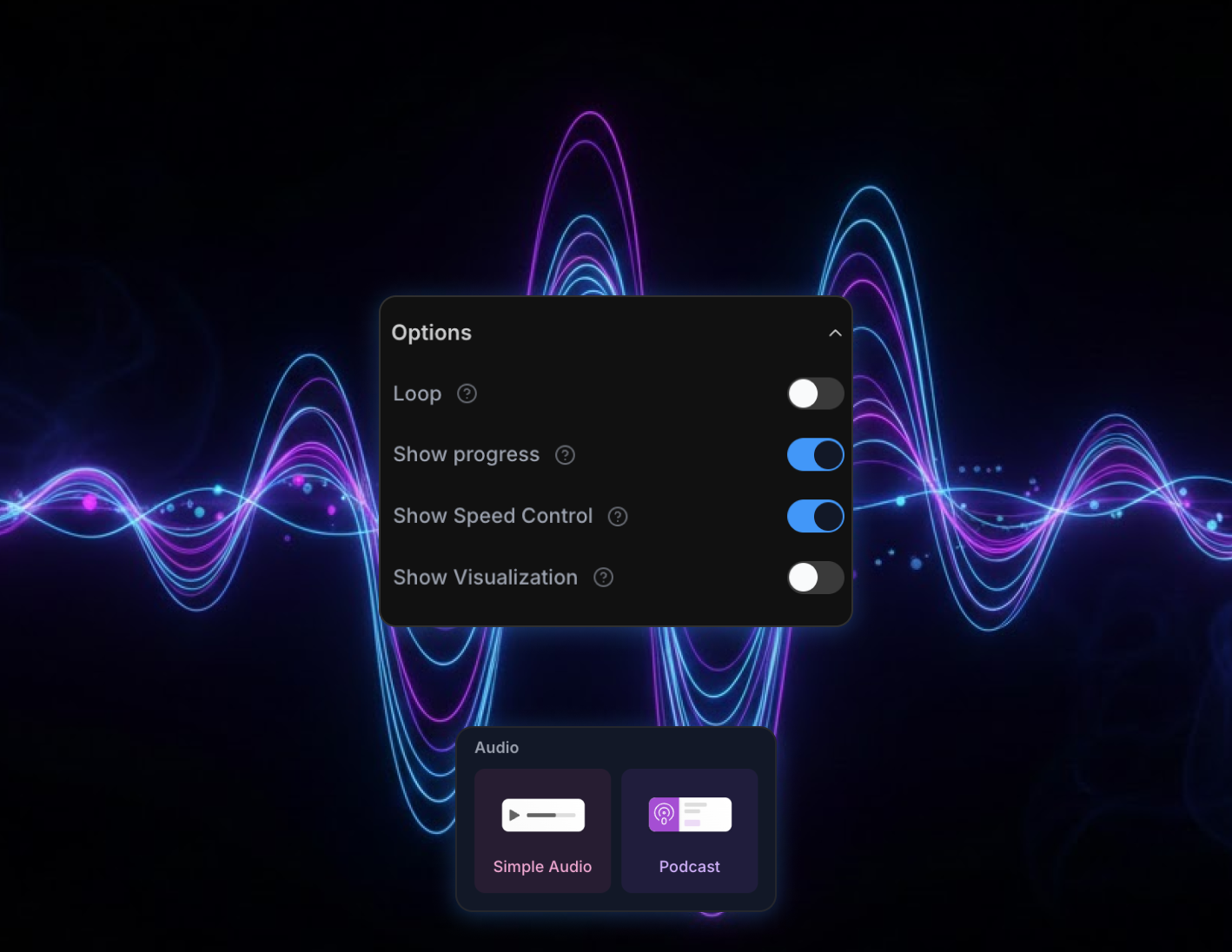
Clean, focused player
Give learners a sleek audio bar with clear play, pause, and seek controls that works beautifully on desktop and mobile
Speed and scrubbing controls
Let people listen faster, replay key moments, or jump back and forth in small increments to review important points
Optional transcripts
Attach transcripts learners can open when they need to read along or scan for specific information
Documents and downloads
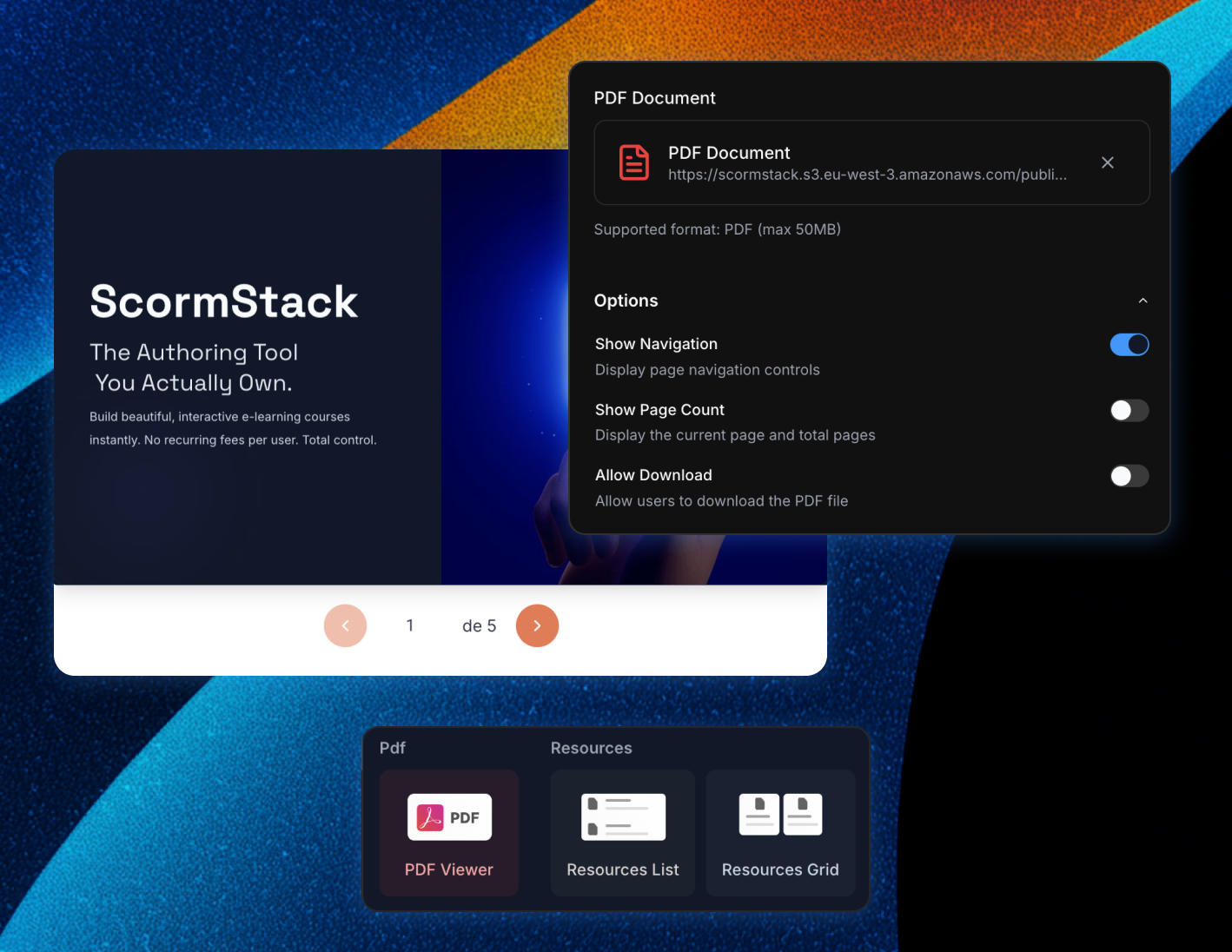
Attach supporting materials to your courses—slides, PDFs, worksheets, cheatsheets, and more—without losing track of files.
Central resource blocks
Group links, files, and references into a dedicated Resources section on any slide
Flexible layouts
Present resources as a clean list or a card‑style grid, with icons, titles, and descriptions
Backed by a media library
Upload documents once and reuse them across multiple courses or modules
Start building in minutes
Join thousands of e-learning professionals and teams who've made the switch to ScormStack to turn ideas into high-performing courses, fast.