Interactive Content Blocks for Engaging eLearning Courses
Discover ScormStack's interactive blocks: accordions, tabs, flash cards, and more. Create engaging SCORM courses that keep learners active.
Passive content doesn't stick. Learners who just read and scroll retain less than those who click, explore, and interact. That's why ScormStack includes a rich set of interactive content blocks designed to transform static training into active learning experiences.
Beyond walls of text
Traditional e-learning often looks like a web page with a "Next" button. Block after block of text, maybe an image here and there, and a quiz at the end. It's not engaging, and engagement matters for retention.
ScormStack's interactive blocks give learners agency. They choose what to expand, which tabs to explore, which cards to flip. This active participation keeps attention high and helps information stick.
Interactive blocks in ScormStack
Accordion Block
Perfect for breaking long content into digestible sections. Learners click to expand topics they want to explore, keeping the screen uncluttered while providing depth on demand.
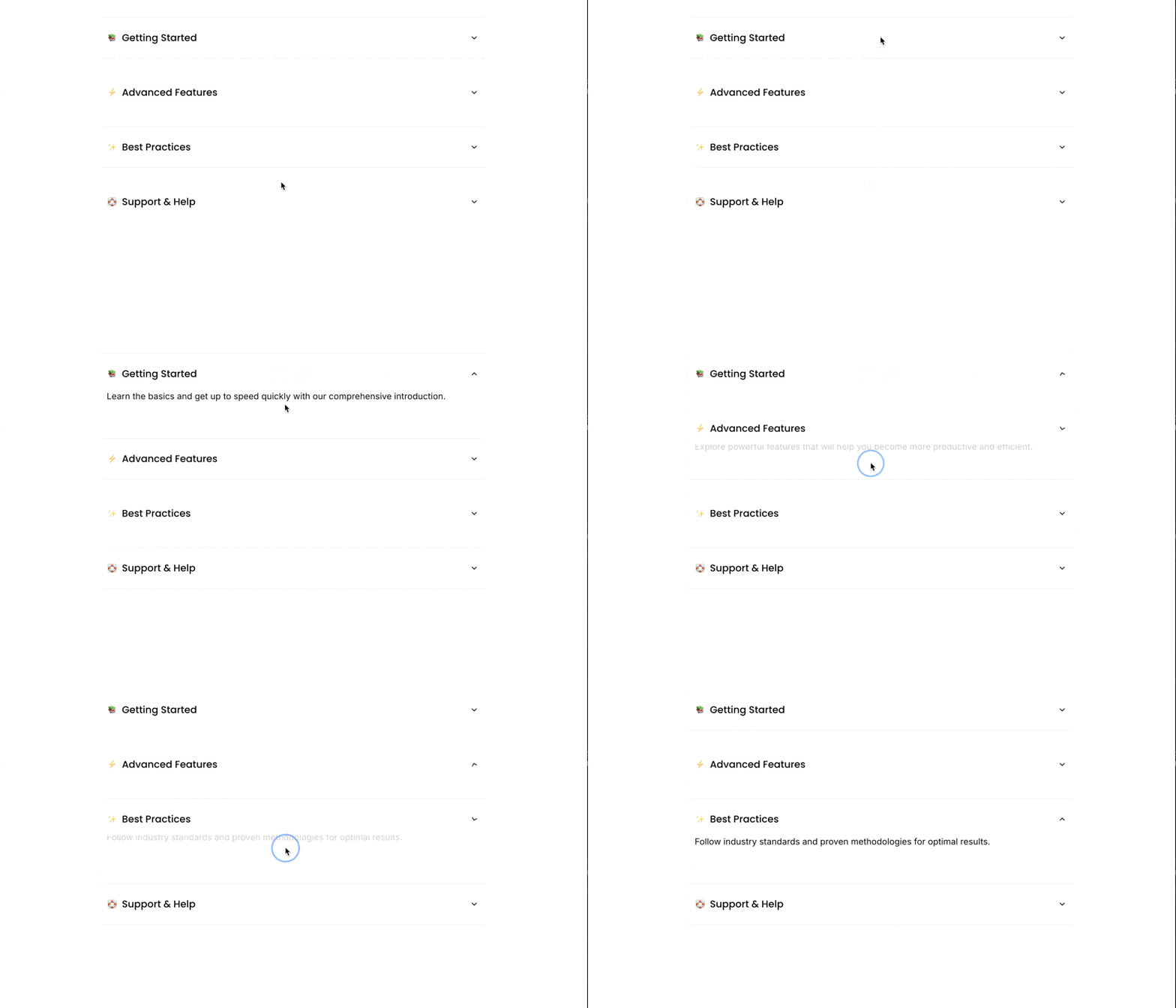
Use cases:
- FAQ sections
- Step-by-step processes where each step has detailed sub-content
- Policy breakdowns by category
- Technical specifications organized by component
Tabs Block
Present related content in a compact, organized format. Each tab reveals different content without requiring scrolling or page navigation.
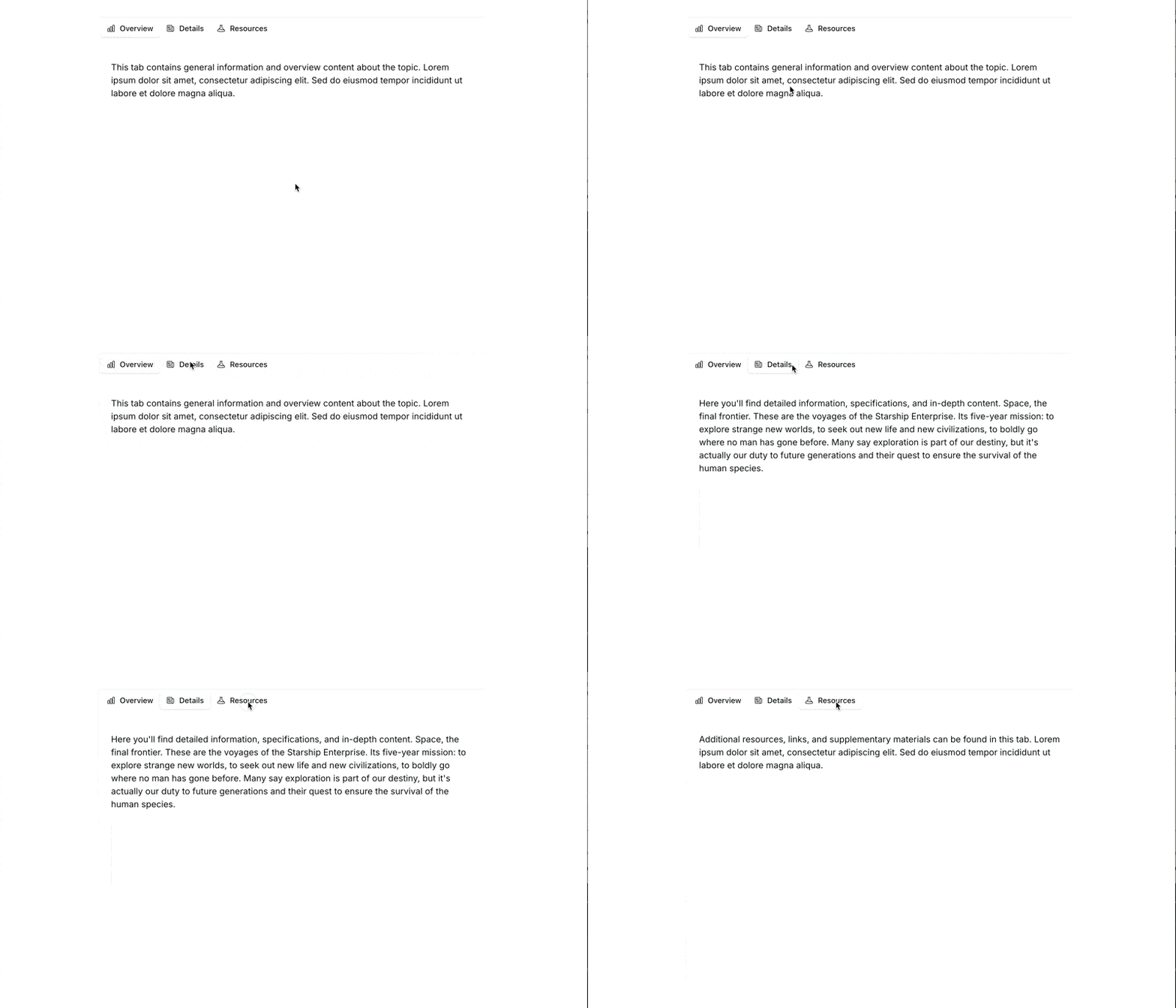
Use cases:
- Comparing options side-by-side (e.g., product tiers, approaches to a problem)
- Showing the same concept from different perspectives
- Organizing content by role, region, or department
- Before/after scenarios
FlashCard Block
Transform memorization into an interactive exercise. Learners flip cards to test their knowledge, reinforcing recall through active retrieval.
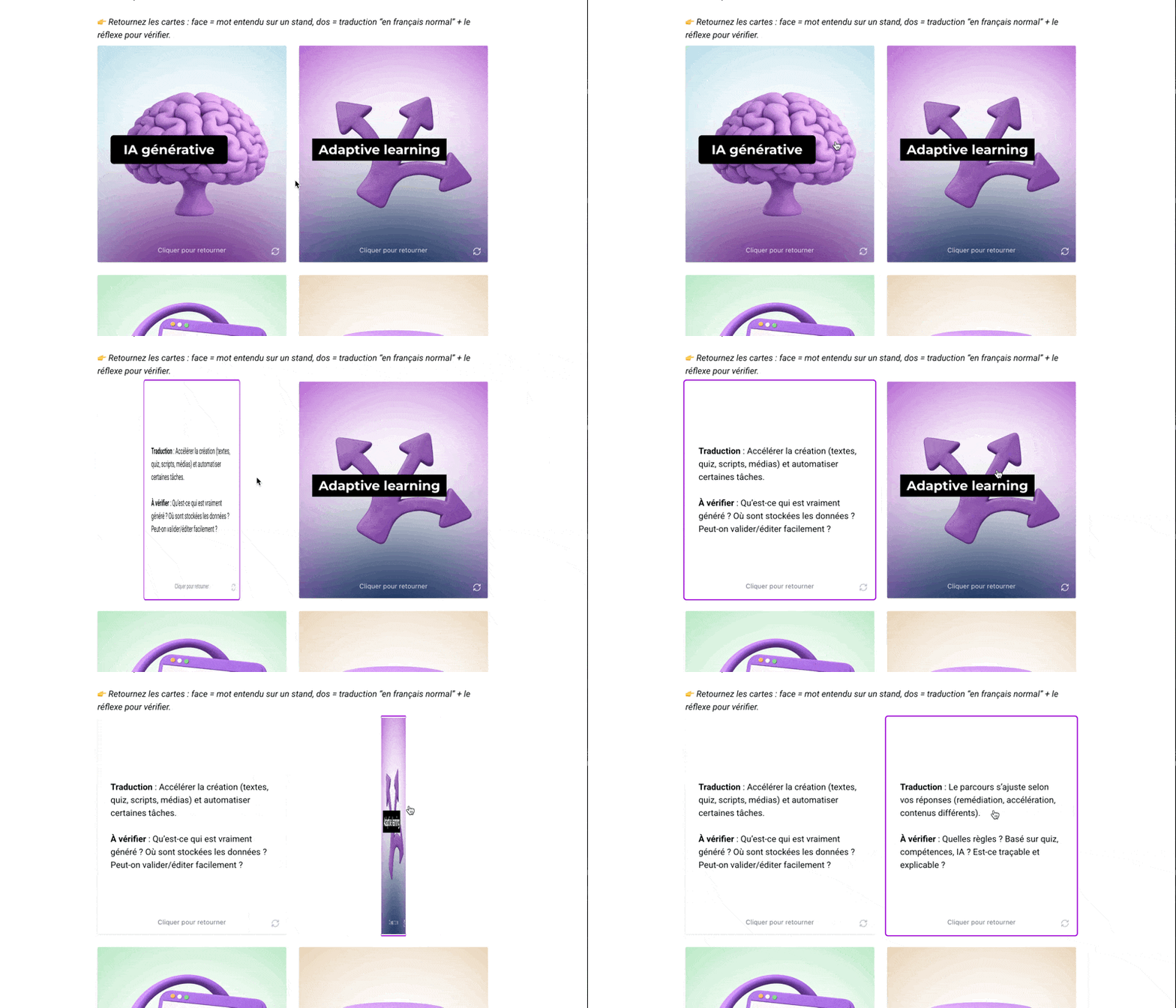
Use cases:
- Vocabulary and terminology training
- Product feature memorization
- Compliance key points
- Procedure checklists
- Language learning
Callout Block
Highlight critical information that learners shouldn't miss. Callouts draw attention to warnings, tips, key takeaways, or supplementary notes.
Use cases:
- Safety warnings and compliance reminders
- Pro tips and best practices
- Common mistakes to avoid
- Key definitions
Interactive Image Block
Turn static images into exploration zones. Add clickable hotspots that reveal information when learners engage with specific areas.
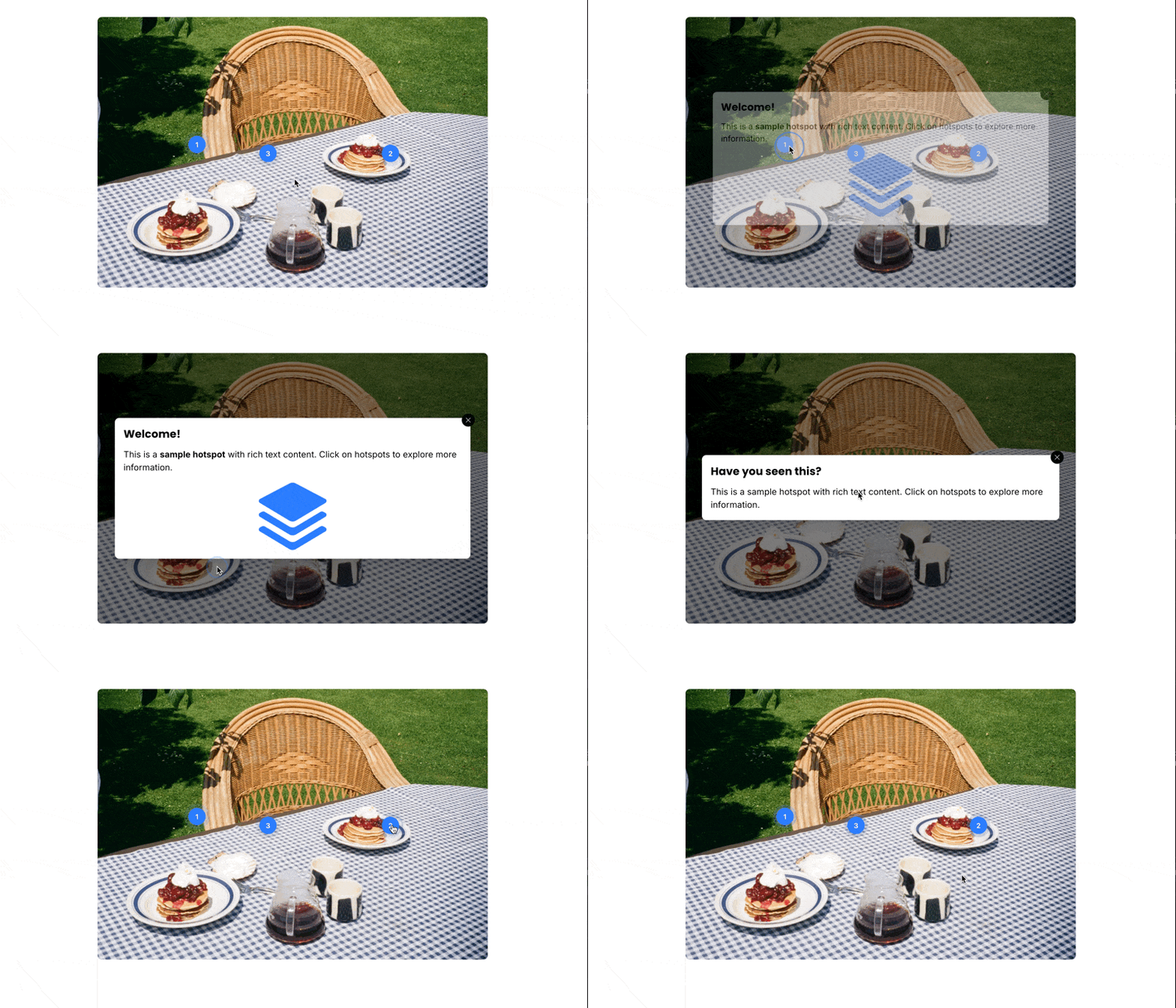
Use cases:
- Product diagrams with component explanations
- Anatomical diagrams
- Facility maps with department descriptions
- Software interface walkthroughs
Assessment blocks for knowledge checks
Interactive learning isn't just about exploration—it's also about verification. ScormStack's assessment blocks let you check understanding throughout the course:
Assessment Block
Build quizzes with multiple question types:
- Multiple choice (single and multiple answer)
- True/false
- Fill-in-the-blank
- Matching
- Open response
Configure passing scores, feedback messages, and retry limits. Results track to your LMS through SCORM.
Categorization Block
Learners drag items into correct categories. This tests not just recognition but the ability to classify and organize information.
Use cases:
- Sorting items by priority, type, or category
- Regulatory classification exercises
- Product categorization
- Process step ordering
Click-on-Image Block
Combine visual elements with assessment. Learners click specific areas of an image to answer questions—ideal for identification tasks.
Use cases:
- Identify the correct component in a diagram
- Safety hazard identification
- Geographic or anatomical location questions
Building courses that flow
Interactive blocks work best when they're part of a thoughtful structure:
Introduce concepts with text and media. Set the context before asking learners to interact.
Use accordions for depth without overwhelm. Main points stay visible; details are available on demand.
Add flash cards for reinforcement. After presenting information, let learners test themselves.
Include knowledge checks throughout. Don't save all assessment for the end—verify understanding as you go.
Use callouts for can't-miss content. Critical information deserves visual emphasis.
Accessibility built in
Interactive doesn't mean inaccessible. ScormStack's interactive blocks support:
- Keyboard navigation — Every interactive element is usable without a mouse
- Screen reader compatibility — Proper ARIA labels and focus management
- Focus indicators — Clear visual feedback for keyboard users
- Responsive design — Blocks adapt to mobile screens automatically
Building accessible courses isn't optional—it's expected. ScormStack handles the technical complexity so you can focus on content.
All blocks, every tier
Unlike some authoring tools that gate interactive features behind premium tiers, ScormStack includes all content block types on every plan—including Free.
The difference between tiers is quantity (how many courses and blocks you can create), not capability. A free user has access to the same interactive elements as a Pro subscriber.
Create engagement, not just content
The best e-learning courses don't just deliver information—they create experiences. With ScormStack's interactive blocks, you can build courses that demand participation, reinforce learning through action, and keep learners engaged from start to finish.
👉 Start building interactive courses with ScormStack's visual editor.