How to Import Easygenerator Courses into ScormStack
Migrate your existing Easygenerator courses to ScormStack. Export a SCORM package, import it, reduce authoring costs, and keep editing in a flexible SCORM authoring tool.
Already have training content built in Easygenerator? If you want more control over editing, branding, and exports, you don't have to rebuild every lesson from scratch.
ScormStack can import Easygenerator SCORM exports and convert them into editable courses. That gives you a practical migration path: keep your existing content, review the converted course, and continue editing inside ScormStack.
What you'll need
Before you start:
- An Easygenerator SCORM export: Export the course as SCORM 1.2 or SCORM 2004
- A manual package with media included: Include images, fonts, audio, and video inside the ZIP for the cleanest migration
- A ScormStack account: Free works for testing, while larger import workflows may require a paid plan
If your Easygenerator course was exported as xAPI instead of SCORM, or published with dynamic SCORM, re-export it first. For course migration, the safest input is a standard SCORM ZIP with the media bundled inside.
Best Easygenerator export settings for migration
Easygenerator gives you a few LMS publishing options, but not all of them are equally useful when your goal is to move the course into another authoring tool.
For the best import results:
- Choose SCORM 1.2 or SCORM 2004, not xAPI
- Use manual SCORM instead of dynamic SCORM
- Include images, fonts, audio, and video in the package
Dynamic SCORM is helpful when you want Easygenerator to keep hosting the course and push updates to your LMS automatically. It is less ideal for migration, because parts of the course can remain hosted on Easygenerator rather than bundled directly in the ZIP file.
How the import works
ScormStack reads your Easygenerator SCORM package and reconstructs the course as editable content:
- Upload the SCORM ZIP in ScormStack
- Detect Easygenerator automatically and use the dedicated Easygenerator converter
- Rebuild the course structure as sections and pages inside ScormStack
- Extract packaged media such as images, audio, video, and theme assets
- Convert content and assessment types into native ScormStack blocks
- Flag partial conversions so you know what needs manual review
Because Easygenerator courses are organized around sections and pages, ScormStack can preserve that structure during import. The converter also inserts page headers from Easygenerator page titles, carries over voice-over narration as audio blocks where available, and reads metadata like language and cover image when present.
The result is a course you can update inside ScormStack instead of treating the SCORM package like a locked black box.
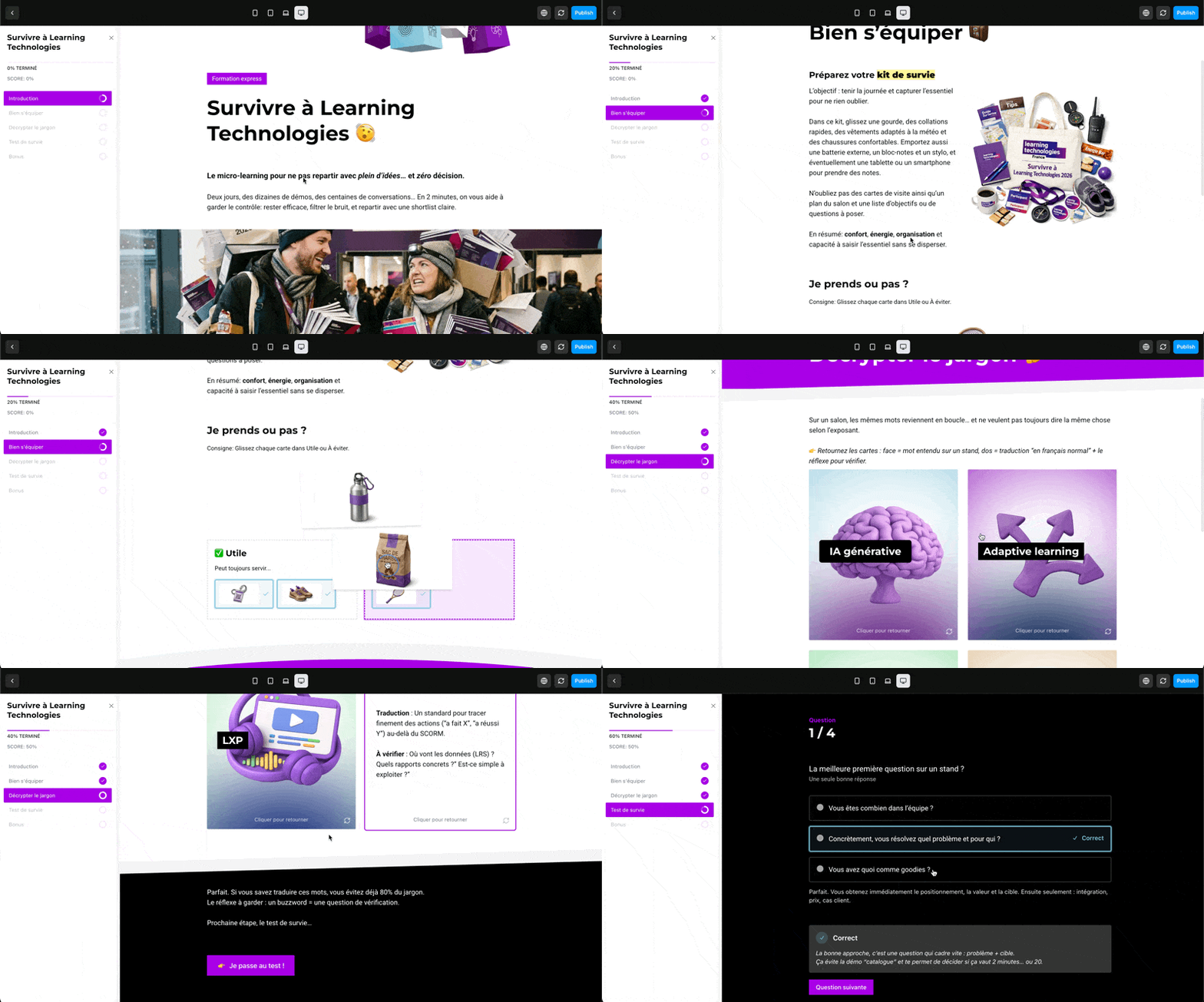
Complete Easygenerator block conversion reference
ScormStack does not rely on a generic SCORM fallback for Easygenerator. It uses a dedicated converter with explicit mappings for common content and assessment types.
Content Blocks
| Easygenerator block | ScormStack block | Notes |
|---|---|---|
| Text Editor | Text Block (paragraph / heading) | |
| Two / Three Column Text | Text Block (columns) | Three-column layouts are preserved up to four columns |
| Image with Text | Image Block (image with text) | |
| Image Grid / Multi-Image | Image Block (image grid) | |
| Single Image | Image Block | |
| Video | Video Block | |
| Audio | Audio Block | |
| Quote | Text Block (styled quote) | |
| Table | Table Block | |
| Document | PDF Block or Resources Block | PDFs stay PDFs; other files become resources |
| Link Curation | Resources Block | |
| Web Link | Embed Block | |
| Image Hotspot | Interactive Image Block | |
| Flip Cards | Flashcards Block | |
| Checklist | List Block | |
| How-To | Flow Block | |
| Walkthrough | Web Simulation Block | |
| Card Sorting | Categorization Block | Partial conversion |
Assessment Blocks
| Easygenerator question type | ScormStack block | Notes |
|---|---|---|
| Single Choice | Assessment Block (multiple choice) | |
| Multiple Choice | Assessment Block (multiple response) | |
| True/False | Categorization Block (checklist) | Converted into true/false categorization |
| Fill in the Blank | Fill in the Blank Block | |
| Text Matching | Matching Block | |
| Drag and Drop | Click-on-Image Block | Partial: drag behavior is approximated as hotspots |
| Hotspot | Click-on-Image Block | |
| Image Choice | Assessment Block (image choices) | |
| Open Question | Open Response Block | Imported as ungraded open response |
Blocks Requiring Manual Attention
| Easygenerator feature | ScormStack result | Recommendation |
|---|---|---|
| Linear Scenario | Flow Block | Review the sequence after import |
| Branching Scenario | Placeholder text block | Rebuild the branching logic manually |
| Ranking | Placeholder text block | Recreate as a different assessment type |
| Custom JavaScript | Not imported | Rebuild behavior natively in ScormStack |
What to review after import
Most standard Easygenerator course content imports cleanly, but the converter still flags a few cases that deserve manual review:
- Dynamic SCORM or excluded media: Files hosted on Easygenerator rather than inside the ZIP may not migrate cleanly
- Advanced styling: Theme colors, cover image, fonts, and background assets are read where possible, but some design details may need cleanup
- Drag-and-drop text questions: These are converted to hotspot-style click-on-image blocks, so the interaction changes slightly
- Scenario blocks: Linear scenarios can be flattened into flow steps, while branching scenarios require manual recreation
- Ranking questions: Not supported yet, so ScormStack inserts a placeholder instead of pretending the interaction survived
- Embeds and external resources: Web links, documents, and third-party content should be tested after import
The import summary helps you see what converted cleanly and what deserves manual attention.
Step-by-step Easygenerator import guide
1. Export your course from Easygenerator
Inside Easygenerator:
- Open the course you want to migrate
- Click Publish
- Choose SCORM/xAPI
- Select SCORM 1.2 or SCORM 2004
- Choose the manual export method
- Make sure images/fonts and audio/video are included
- Download the ZIP file
If you previously used dynamic SCORM, create a fresh manual SCORM export before importing into ScormStack.
2. Import the SCORM package into ScormStack
Inside ScormStack:
- Go to Courses → Import
- Select SCORM Package
- Upload your Easygenerator ZIP
- Let ScormStack process the package and convert the content
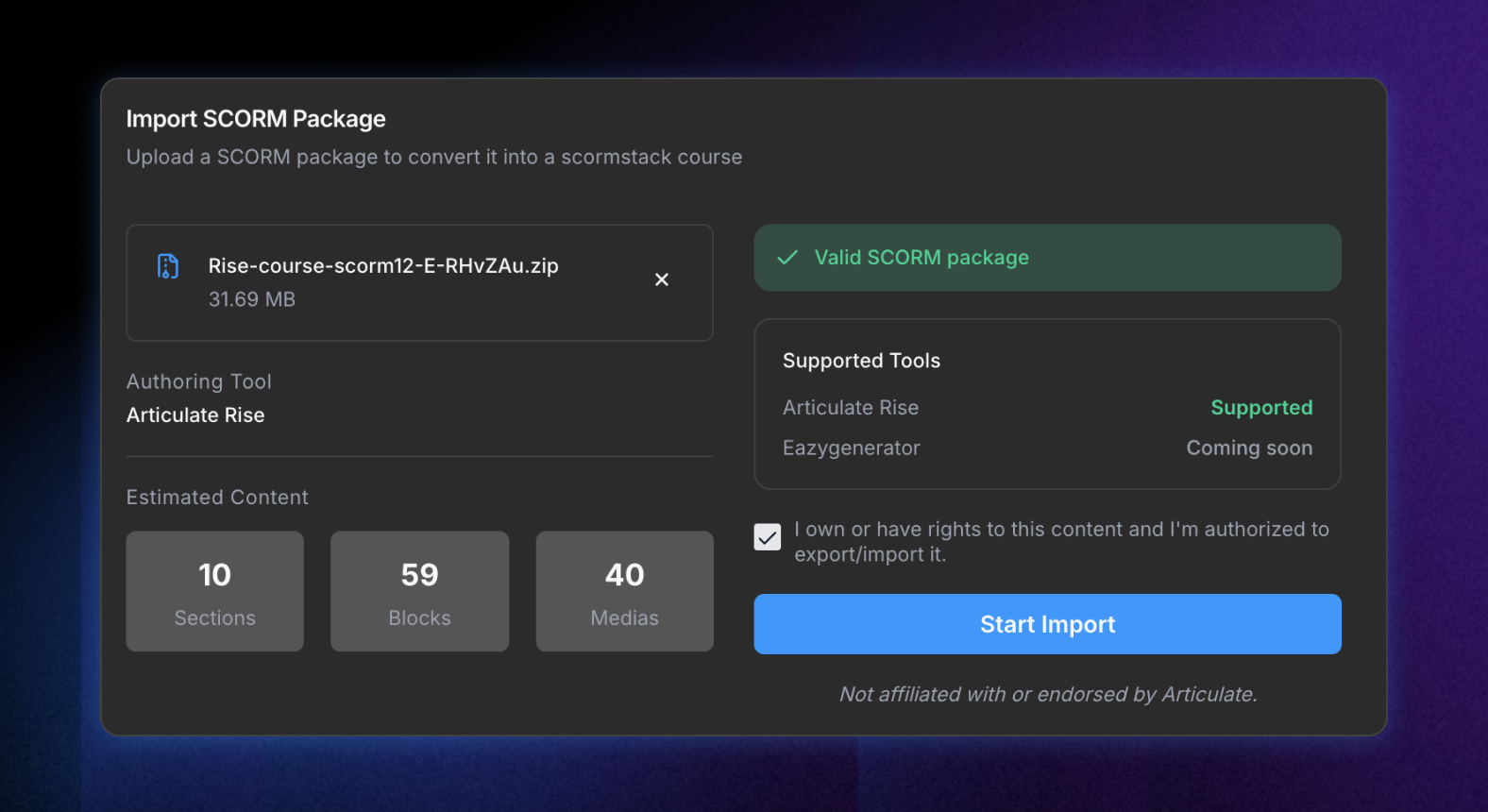
3. Review the imported course
After the conversion finishes:
- Compare the imported section and page order with the original course
- Check images, audio, video, and downloadable resources
- Test quiz questions and completion behavior
- Review any warnings shown in the import summary
4. Continue editing in ScormStack
Once the course is imported, you can:
- Edit text and lesson structure
- Replace or add media
- Update branding and theme settings
- Add new sections, assessments, and interactions
- Re-export to SCORM 1.2 or SCORM 2004
Why teams move from Easygenerator to ScormStack
There are a few common reasons teams make the switch:
Lower pricing. As checked on April 22, 2026, Easygenerator's official pricing page lists Pro at EUR 108/month billed annually, or EUR 1,299/year, for 1 author. ScormStack's pricing lists Pro at EUR 26/month billed annually, or EUR 312/year, with a EUR 35/month monthly option. In USD terms, Easygenerator lists USD 1,399/year, while ScormStack lists USD 30/month billed annually, or USD 360/year. For solo creators and smaller teams, price is often the main reason to move.
More editing freedom. Imported courses become part of your ScormStack workflow, so you can keep refining content instead of maintaining old exports forever.
Less dependency on hosted delivery. If you want a more self-contained authoring and export workflow, ScormStack keeps the focus on editable course content and standards-based packages.
Cleaner ongoing maintenance. After migration, future updates happen in one place. Edit the course, export again, and upload to your LMS.
A lighter workflow for smaller teams. If you don't need a heavyweight enterprise stack, ScormStack gives you a simpler authoring path with modern SCORM export.
FAQ
Can ScormStack import Easygenerator courses directly?
Yes. The usual path is to export the Easygenerator course as a SCORM ZIP and import that package into ScormStack.
Should I use SCORM 1.2 or SCORM 2004 for the import?
Either can work for migration. If you're unsure, export whichever version your current LMS already accepts. After importing, you can continue editing in ScormStack and export the format you need.
Can I use xAPI instead of SCORM?
For migration into ScormStack, use SCORM rather than xAPI. xAPI is useful for reporting, but a SCORM ZIP is the safer starting point for content import.
What if my Easygenerator course used dynamic SCORM?
Re-export it as a manual SCORM package first. Dynamic SCORM can leave files hosted on Easygenerator, which is not ideal when you're trying to migrate the full course into another tool.
Preserve your existing course library
Switching authoring tools should not force a full rebuild. If your team already has a library of Easygenerator courses, importing them into ScormStack gives you a faster path forward: keep the substance, review the converted output, and keep editing.
👉 Try ScormStack free and import your first Easygenerator course today.